
3 - Visual Evidence

Open one of your recent reports and place it beside this page. Do not look for the prettiest figure. Find the figure that carried the most important claim—today we are going to ask whether it actually proved what the caption promised.
Today we are going to change the way you think about figures. A chart is not the colorful thing added after the mathematics is finished. A diagram is not an apology for an equation that looks difficult. In a modeling paper, a figure is visual evidence: a compact, inspectable answer to a precise question. It may show that a pattern exists, that two plans differ, that a mechanism is plausible, that an optimization respects its constraints, that uncertainty has been measured, or that a recommendation survives a stress test.
This distinction matters in CUMCM and MCM/ICM papers because a judge reads quickly. The mathematics may be correct, yet the argument can still fail if the reader cannot find the comparison, trace the workflow, or see where the recommendation comes from. Conversely, a beautiful plot can be actively harmful when its scale exaggerates a tiny effect, its colors conceal uncertainty, or its 3D perspective prevents quantitative reading. Good visual design is therefore not cosmetic. It is part of model verification and scientific honesty.
Before drawing, complete this sentence: “After seeing this figure, the reader should believe ___ because the figure compares ___ under ___.” If you cannot fill the blanks, you are not ready to choose a chart type.
The 100 figures below are original teaching reconstructions built with synthetic values. They are informed by recurring visual patterns in official CUMCM materials, COMAP’s Outstanding-paper archive, and competition visualization practice, but they do not reproduce an award paper page or claim to recreate any team’s numerical result. This choice is deliberate: it lets us study composition, encoding, and reasoning without detaching someone else’s figure from its data and copyright context. Each example names the claim, explains why the encoding works, identifies a common failure, and gives a practical recipe you can reproduce with your own evidence.
Do not read this as a catalogue to memorize. Stop at each image and cover the explanation. Ask yourself four questions: What is the claim? What do position, length, color, and connection mean? What could the picture make me believe incorrectly? What would I need in the caption to trust it? Then compare your answer with the notes. This is how visual judgment develops: not by collecting templates, but by repeatedly linking a design choice to a modeling claim.
1. Start with the Claim
A figure is not a reward for finishing the analysis. It is a compact proof designed for one sentence in the paper. These ten opening examples show how the same numbers become more useful once the intended comparison is declared.
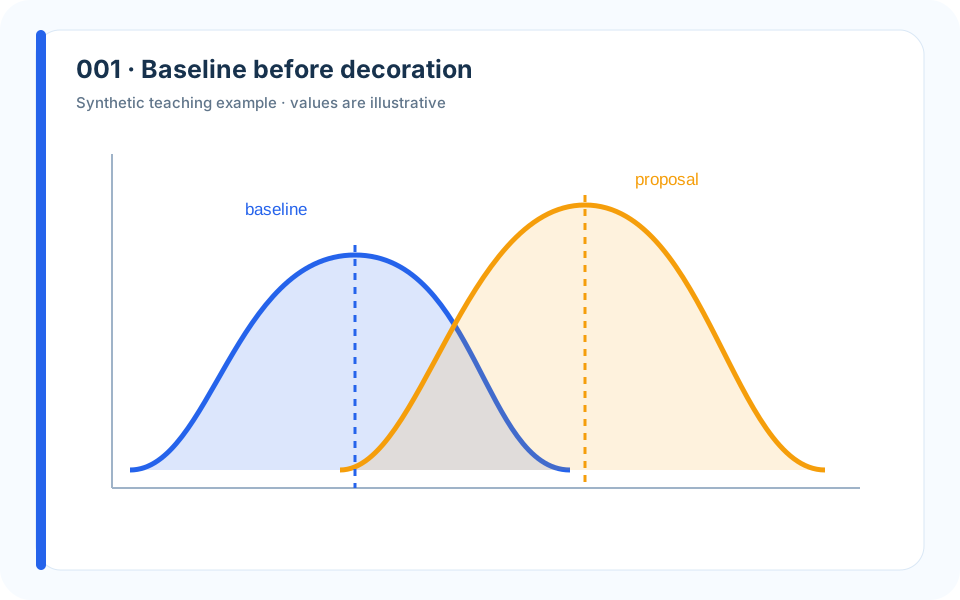
Why it works. Two aligned distributions make the trade-off visible before any styling is added.
What to avoid. Showing only the improved average would conceal the center and the altered tail.
How to build it. Plot the baseline and proposal on identical scales; annotate the median and 90th percentile.
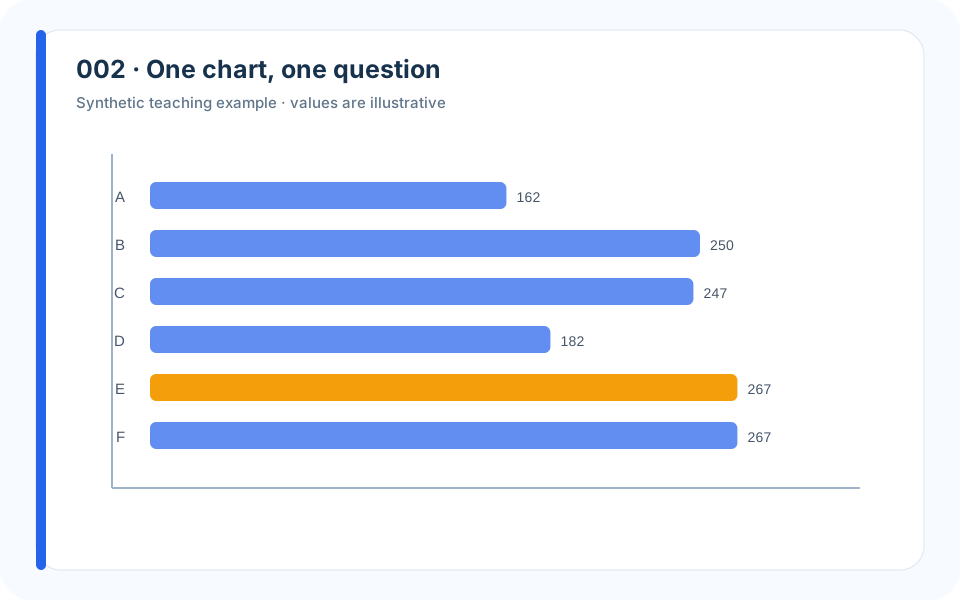
Why it works. Sorted bars make the identity and magnitude of the worst shortage immediate.
What to avoid. Alphabetical ordering makes the reader search for the answer.
How to build it. Sort by the decision metric, keep zero visible, and highlight only the district discussed in the text.
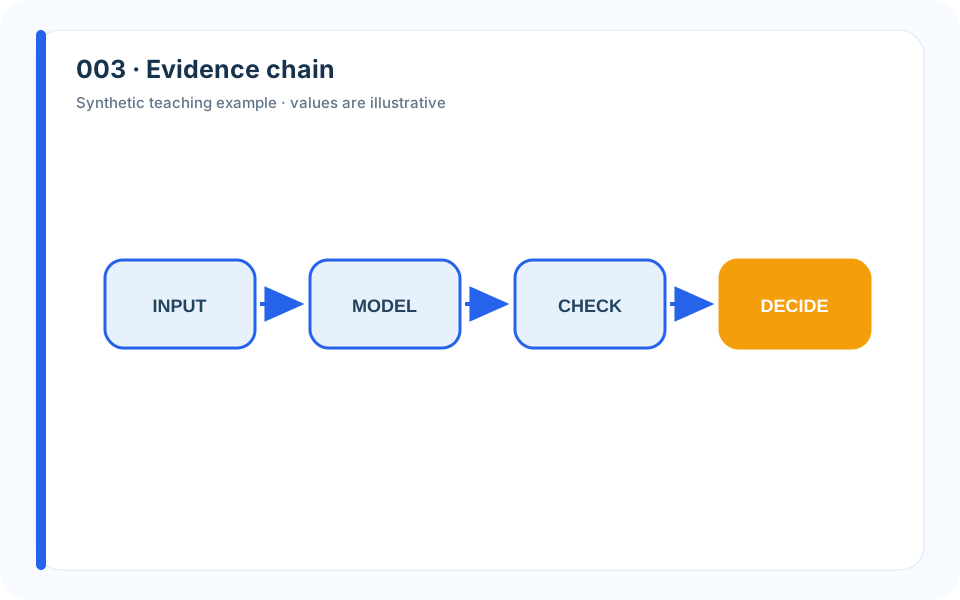
Why it works. A left-to-right chain exposes the interfaces between modules.
What to avoid. A decorative flowchart with unlabeled arrows hides what each module exchanges.
How to build it. Label every arrow with the object, unit, or data structure passed downstream.
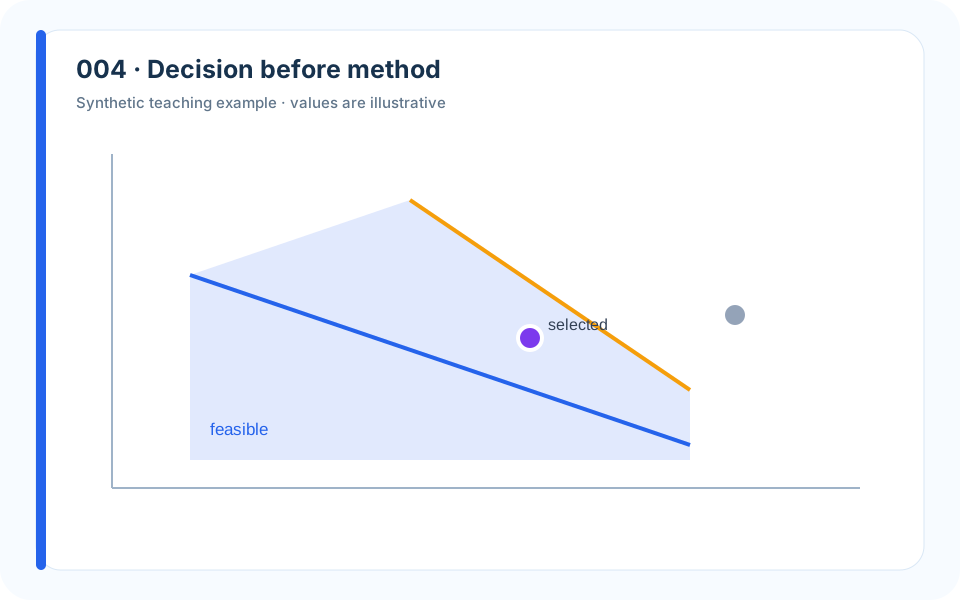
Why it works. The table places feasibility before cost, matching the stakeholder decision.
What to avoid. Ranking infeasible plans by cost gives precision to choices that cannot be implemented.
How to build it. Separate hard feasibility from soft preference, then shade the robust feasible set.
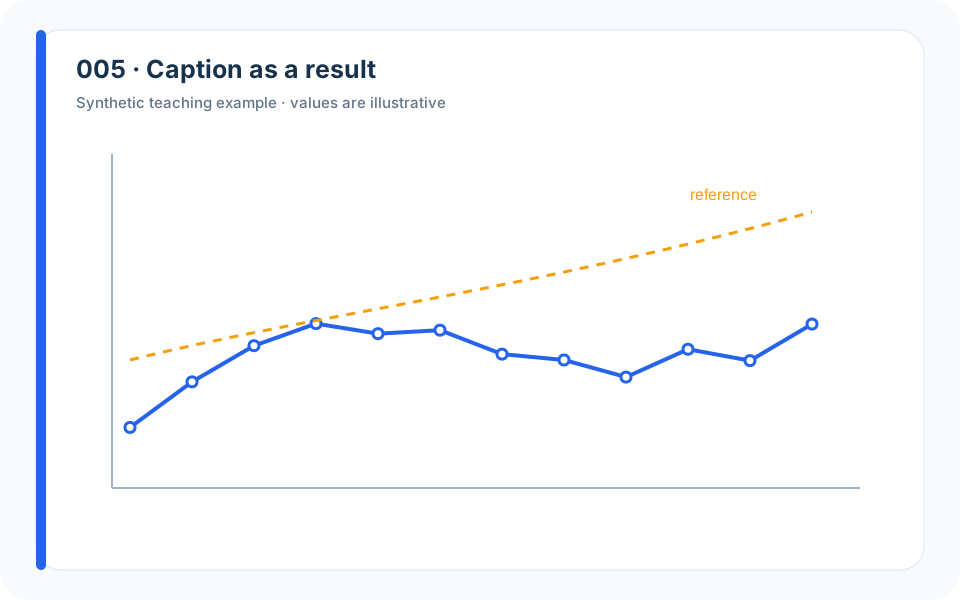
Why it works. The visual and caption identify the scenario, metric, evaluation sample, and effect size.
What to avoid. A caption such as “prediction result” forces the reader to reverse-engineer the claim.
How to build it. Write the intended caption first, then draw only the marks needed to justify it.
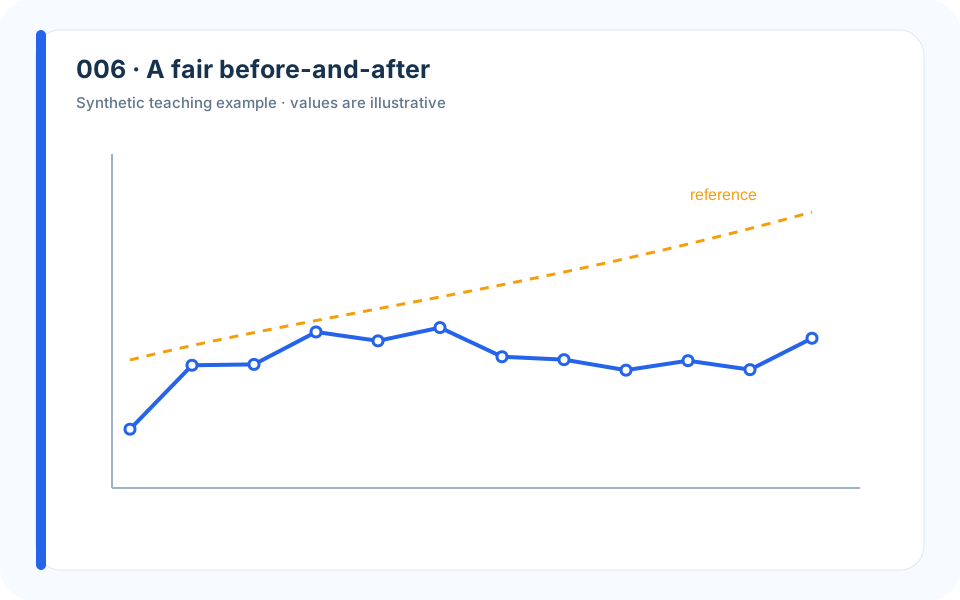
Why it works. Shared axes reveal the lower peak and compensating shoulder.
What to avoid. Separate auto-scaled panels can make both curves appear equally variable.
How to build it. Use one coordinate system and preserve the total area when the mechanism is redistribution.
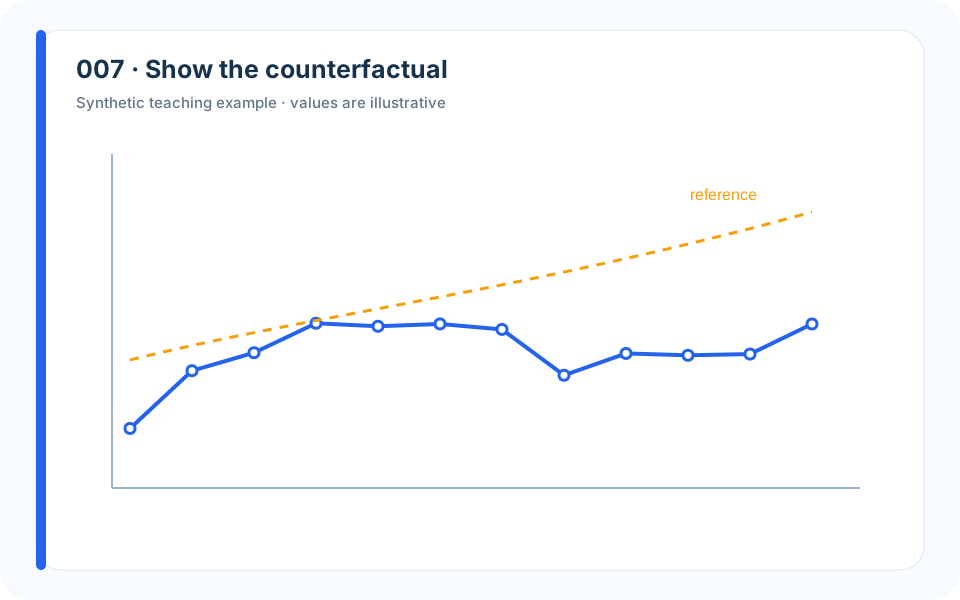
Why it works. Observed history and two futures separate evidence from the modeled alternative.
What to avoid. Extending one solid line into the future makes prediction look observed.
How to build it. Use a vertical intervention marker, distinct line styles, and a visible uncertainty band.
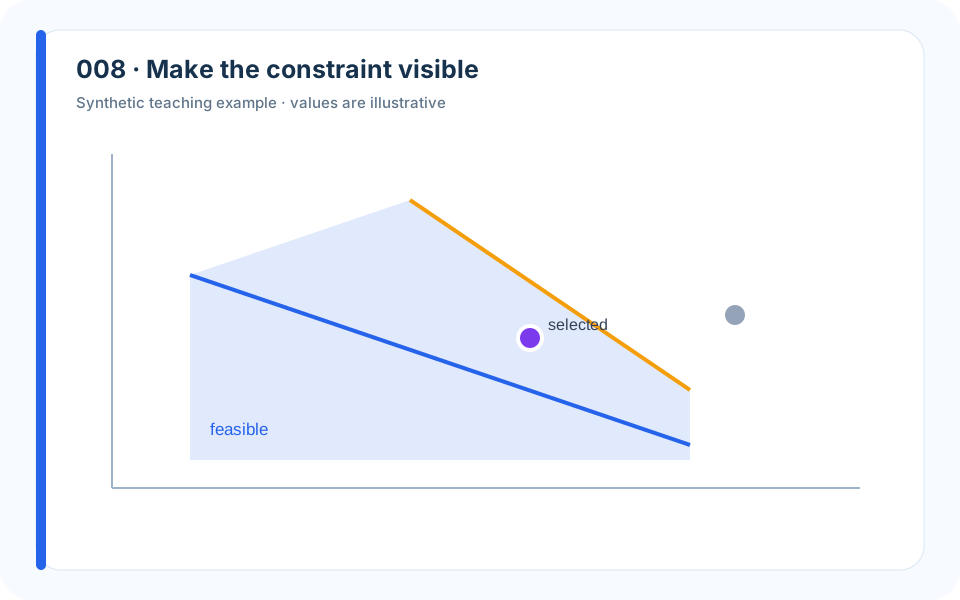
Why it works. The shaded feasible region lets the reader see why a chosen point is admissible.
What to avoid. Listing constraints below a scatterplot asks the reader to solve the geometry mentally.
How to build it. Draw the boundaries, label the allowed side, and mark both the selected and rejected designs.
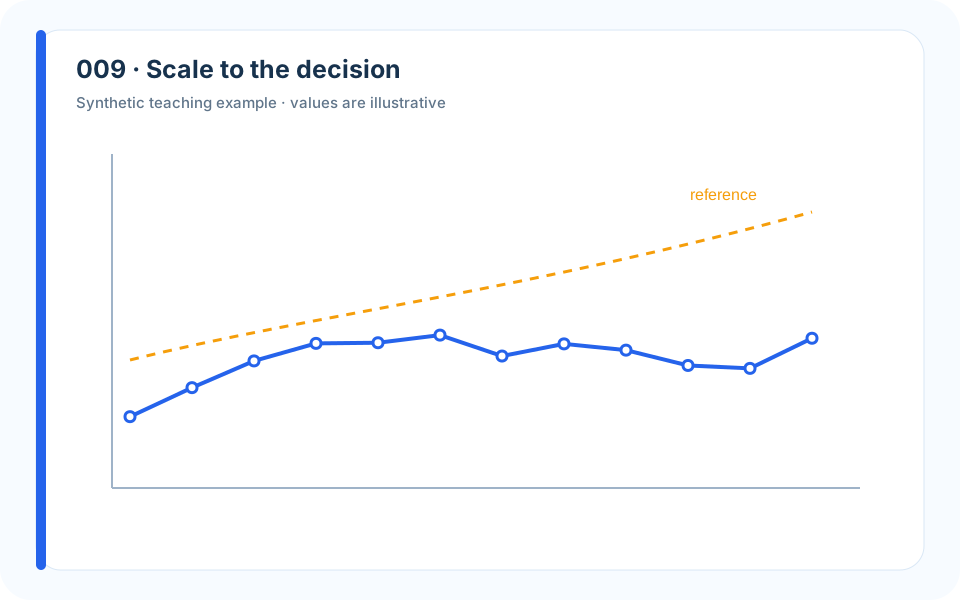
Why it works. A local view around the threshold directs attention to consequential error.
What to avoid. A full-range axis can visually erase the region where the decision flips.
How to build it. Show the full context once, then add an inset or second panel around the decision boundary.
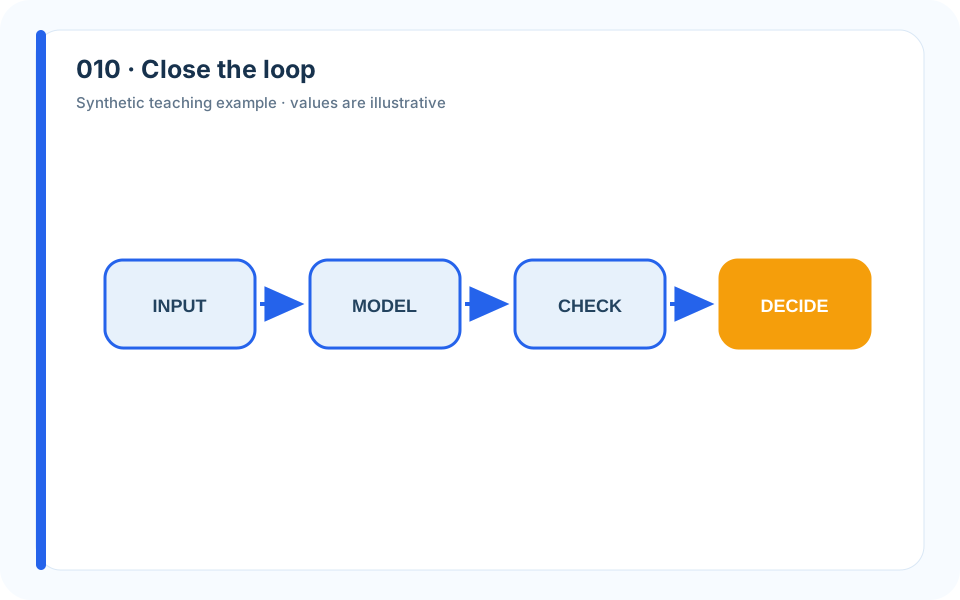
Why it works. The feedback arrow makes revision an explicit part of modeling.
What to avoid. A strictly linear pipeline suggests that failed checks do not alter the model.
How to build it. Return failed validation to the earliest assumption or module it invalidates.
2. Comparison, Ranking, and Composition
Comparison charts are common in competition papers because recommendations are comparative. The danger is that familiar forms—bars, pies, radar charts—are easy to draw and equally easy to misuse.
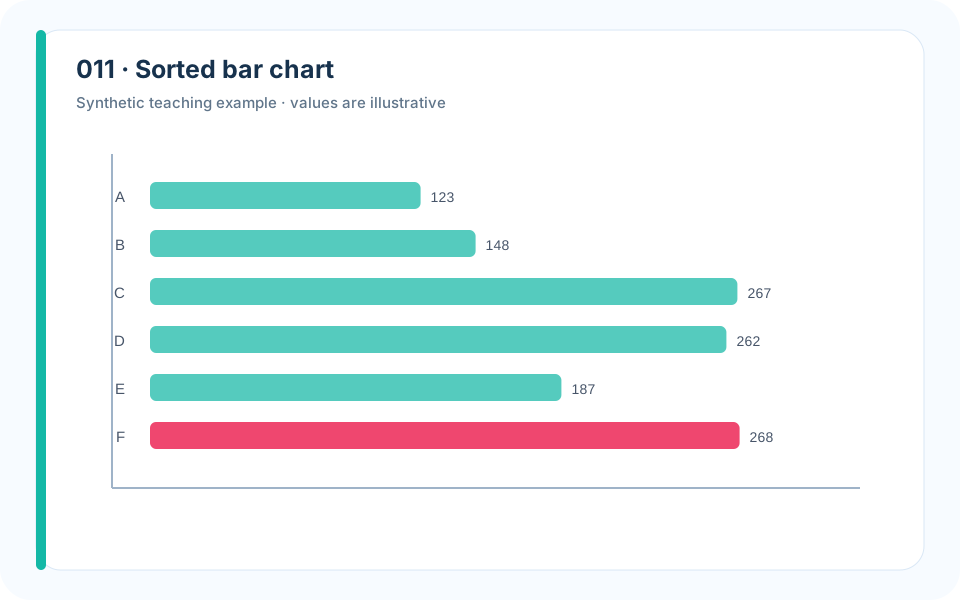
Why it works. Sorting makes rank and distance from the leader readable in one glance.
What to avoid. Random category order hides the near-tie that should appear in the recommendation.
How to build it. Order by value, start at zero for lengths, and print values only when exact reading matters.
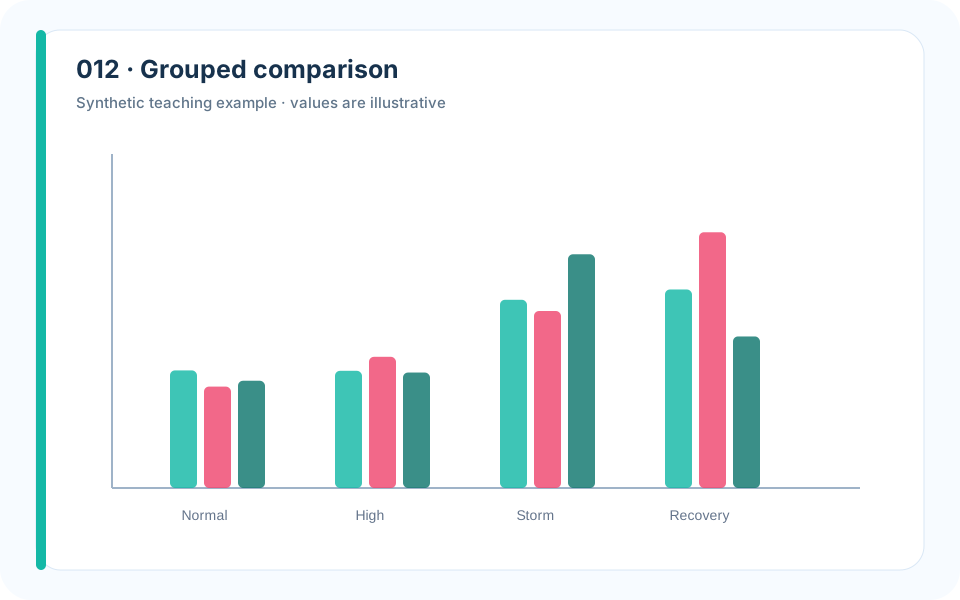
Why it works. Within-scenario grouping preserves the comparison that matters.
What to avoid. Too many colors make scenario and model identity compete.
How to build it. Use position for model, a restrained palette for scenarios, and the same order in every group.
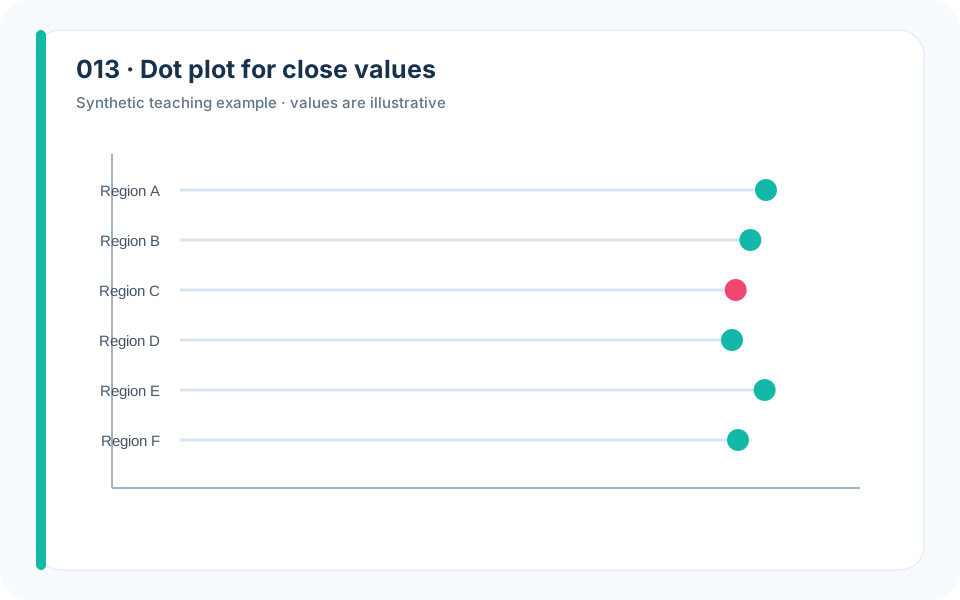
Why it works. Dots avoid the visual weight of bars and expose small gaps cleanly.
What to avoid. Truncated bars exaggerate tiny differences while zero-based bars hide them.
How to build it. Use a labeled dot plot with an honest axis and a note that the range is intentionally focused.
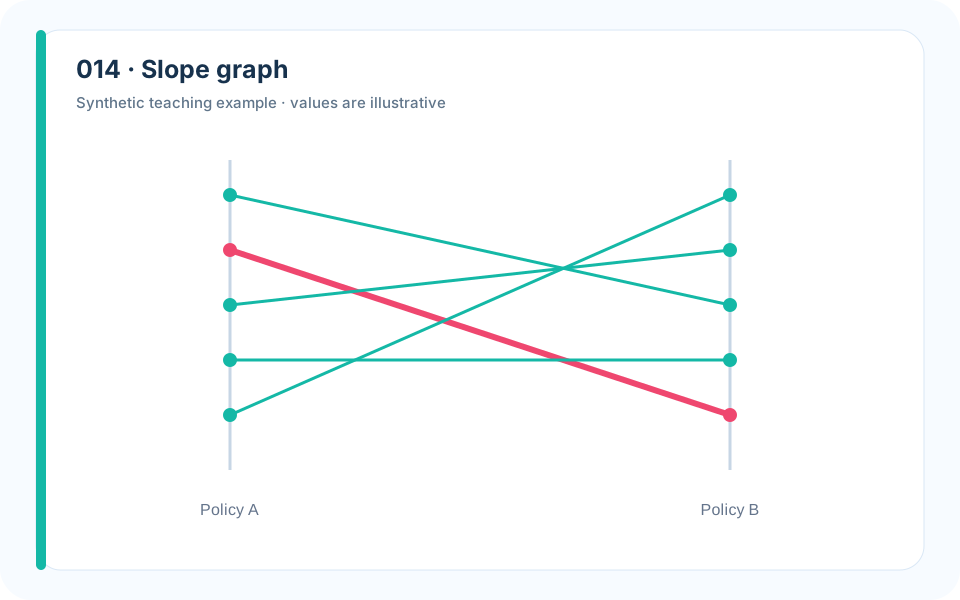
Why it works. Paired endpoints emphasize direction and rank change.
What to avoid. A grouped bar chart makes the crossings harder to follow.
How to build it. Label lines directly and highlight the few crossings discussed in the paper.
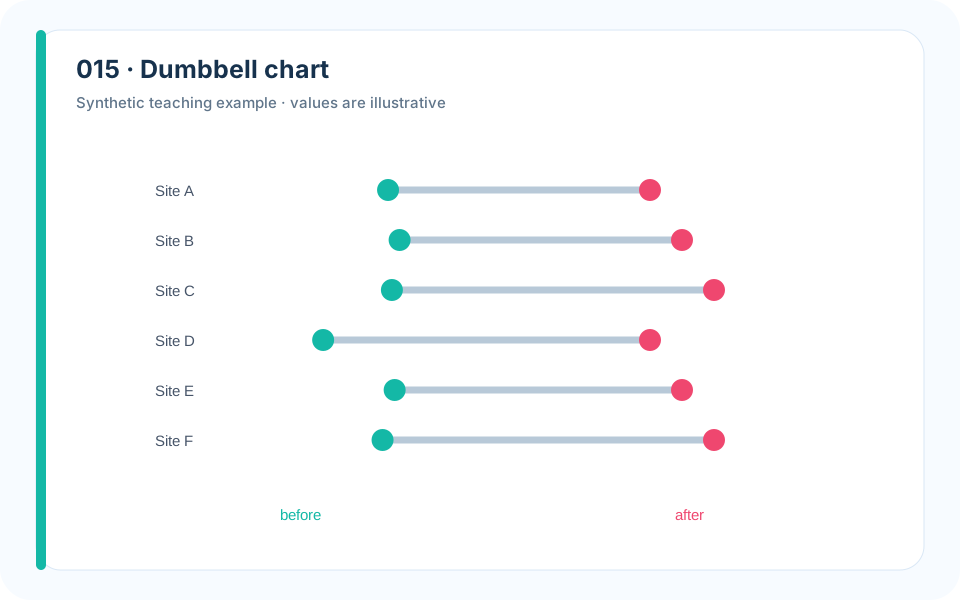
Why it works. The connecting segment encodes change while endpoints preserve level.
What to avoid. A single change bar loses the starting condition.
How to build it. Show before and after on one row, sort by the remaining gap, and label the direction of improvement.
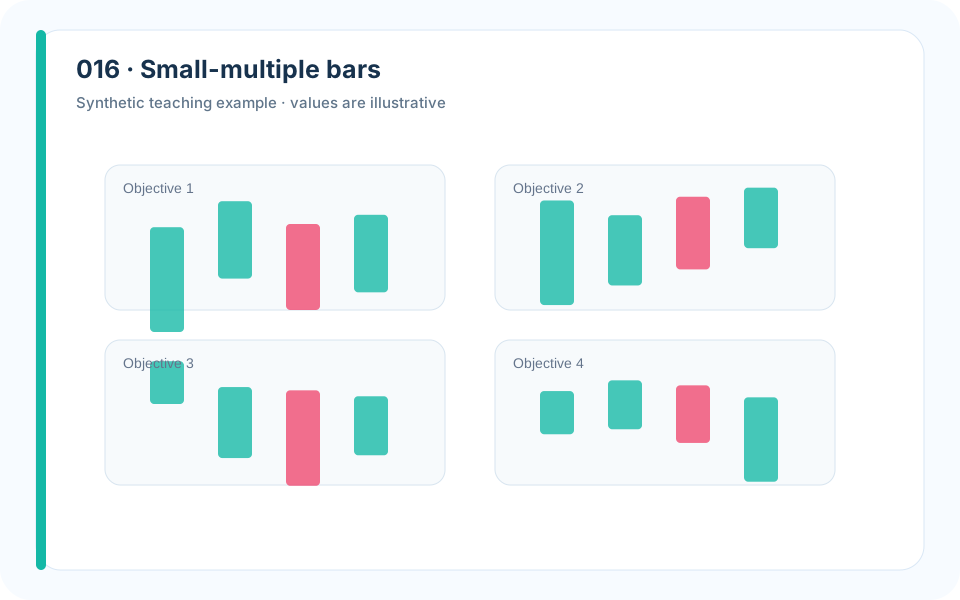
Why it works. Repeated scales preserve each objective while preventing stacked-bar arithmetic.
What to avoid. A total score can conceal the reason stakeholders disagree.
How to build it. Use identical axes, one panel per objective, and a stable highlight for the recommended compromise.
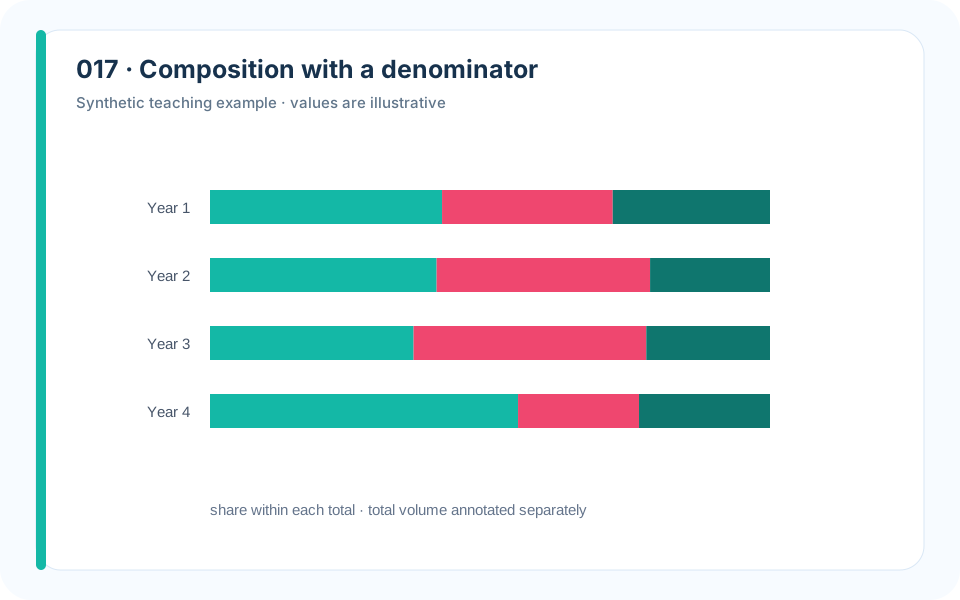
Why it works. A 100% bar and an absolute-total annotation separate share from volume.
What to avoid. Showing only percentages can imply progress while absolute emissions rise.
How to build it. Pair proportional composition with totals or use two coordinated panels.
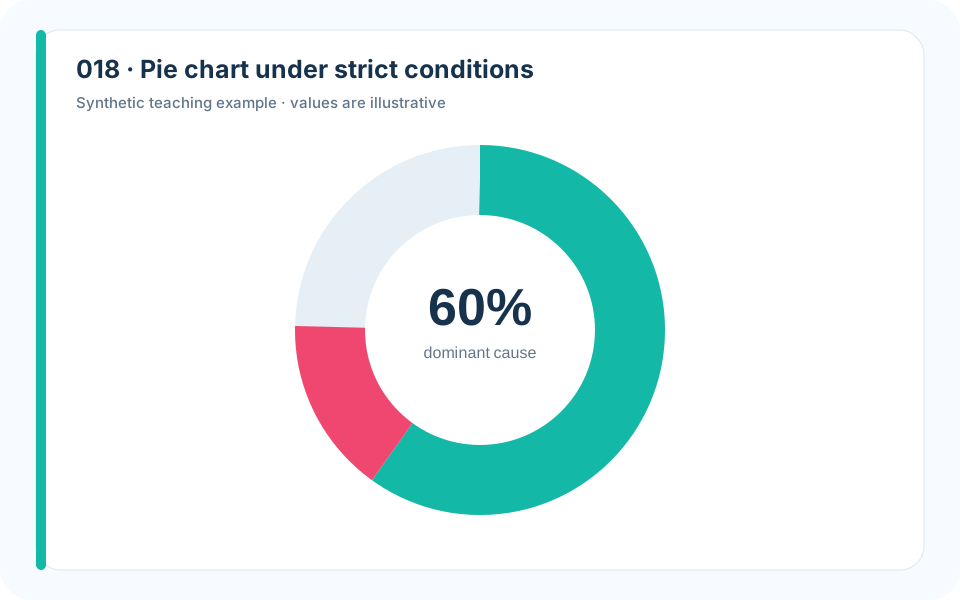
Why it works. A simple part-to-whole chart works because there are few categories and one dominant share.
What to avoid. Eight similar slices demand angle comparisons humans perform poorly.
How to build it. Limit categories, order them, label directly, and switch to bars when differences are close.
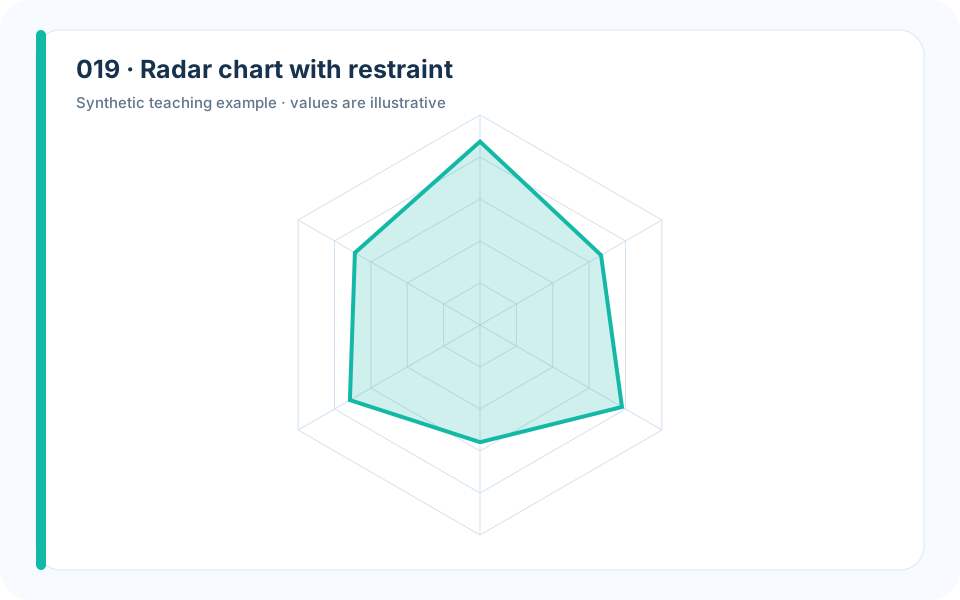
Why it works. A common normalized scale can summarize a small set of genuinely comparable dimensions.
What to avoid. Changing axis order or normalization can completely change the polygon.
How to build it. State normalization, fix the axis order, use no more than two polygons, and retain a companion table.
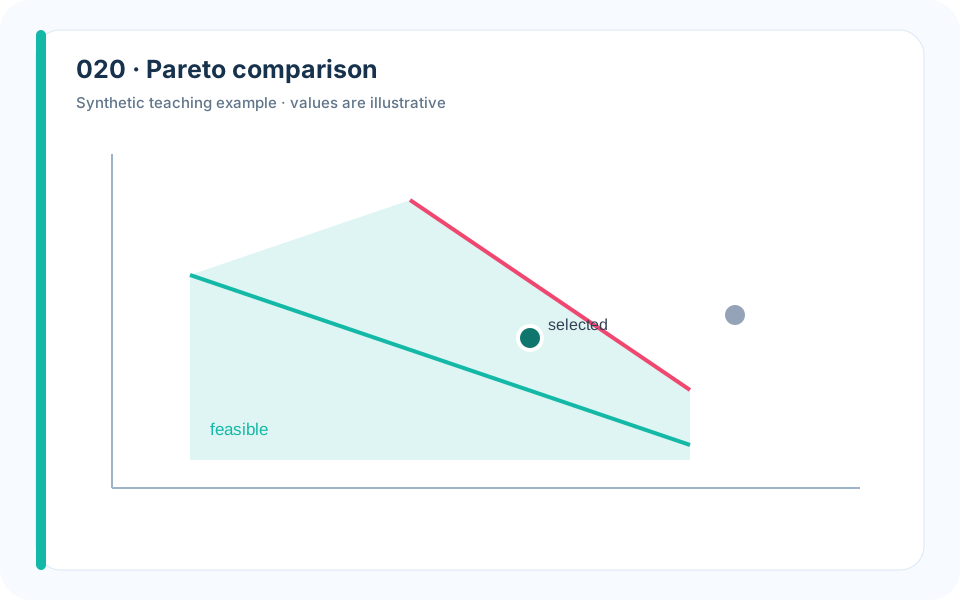
Why it works. The frontier distinguishes dominated options from genuine trade-offs.
What to avoid. A weighted score hides which alternatives remain rational under different preferences.
How to build it. Plot raw objectives, identify nondominated points, and annotate the knee without claiming it is universally optimal.
3. Time, Trend, and Forecasting
A time plot must respect chronology. Forecasts need a boundary between what was observed and what was inferred; seasonal patterns need repeated cycles; and uncertainty must widen when the model knows less.
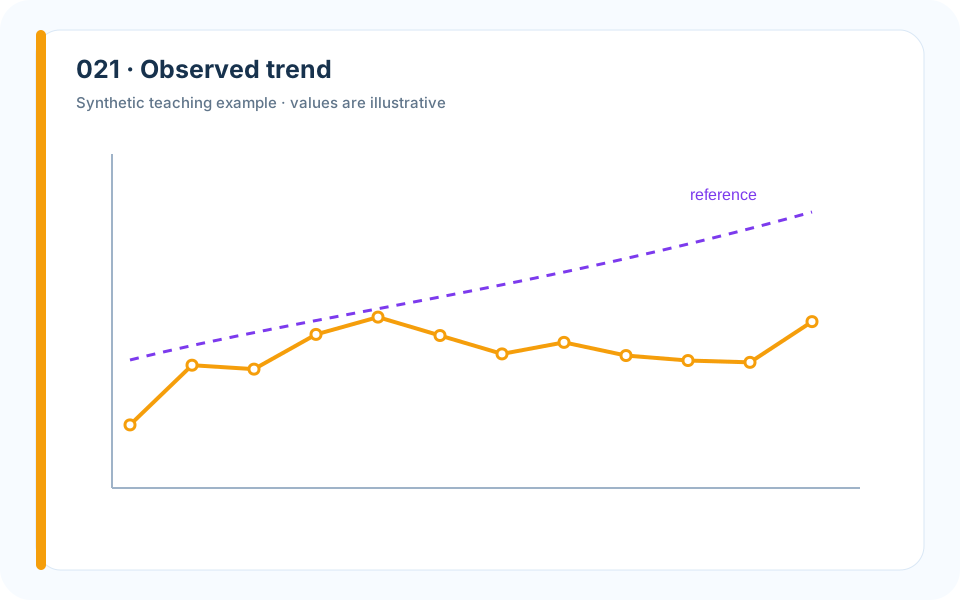
Why it works. A thin raw series plus a restrained smooth line preserves both variation and trend.
What to avoid. Plotting only the smooth line invents certainty and erases operational peaks.
How to build it. Keep raw observations visible and describe the smoothing window in the caption.
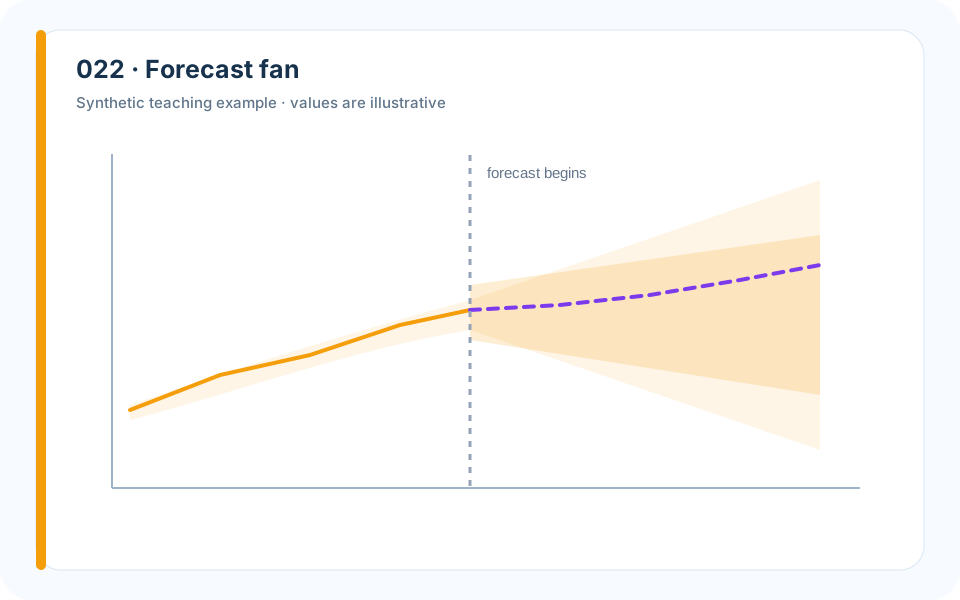
Why it works. Nested intervals communicate a distribution rather than a single confident path.
What to avoid. A lone forecast line invites the reader to treat a conditional expectation as fate.
How to build it. Separate history and forecast, label interval levels, and verify empirical coverage.
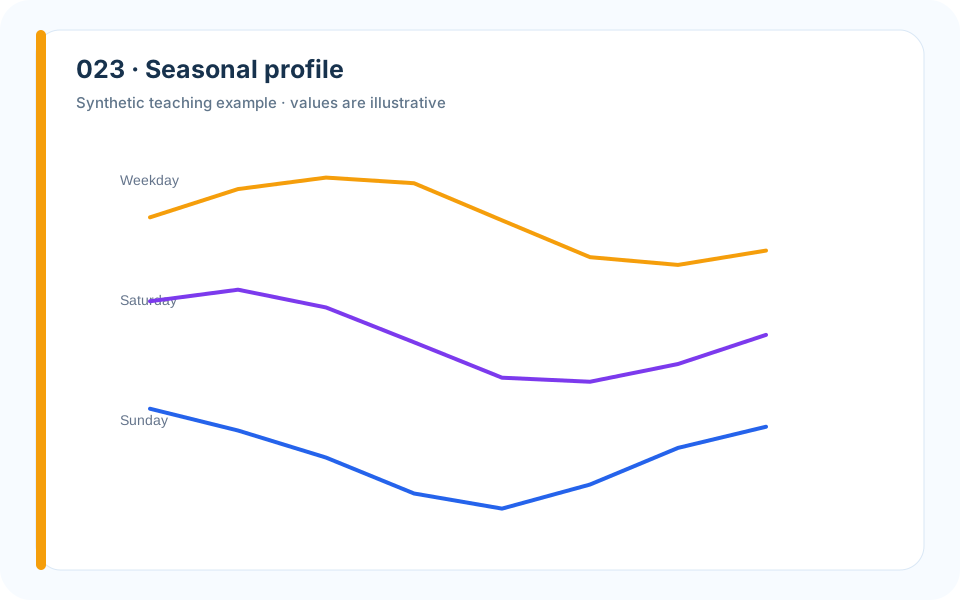
Why it works. Faceting by day type reveals the recurring mechanism.
What to avoid. A single chronological line makes weekly structure difficult to compare.
How to build it. Align cycles on a common within-period axis and display variation across weeks.
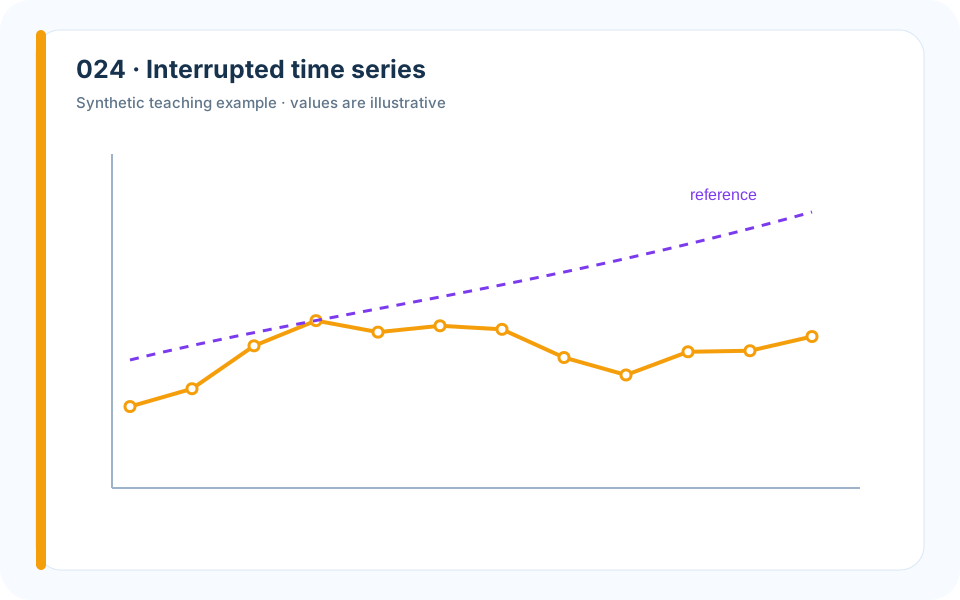
Why it works. The intervention boundary and fitted segments encode the causal question honestly.
What to avoid. A before-after mean ignores pre-existing trend.
How to build it. Show the cutoff, estimate separate level and slope effects, and discuss concurrent events.
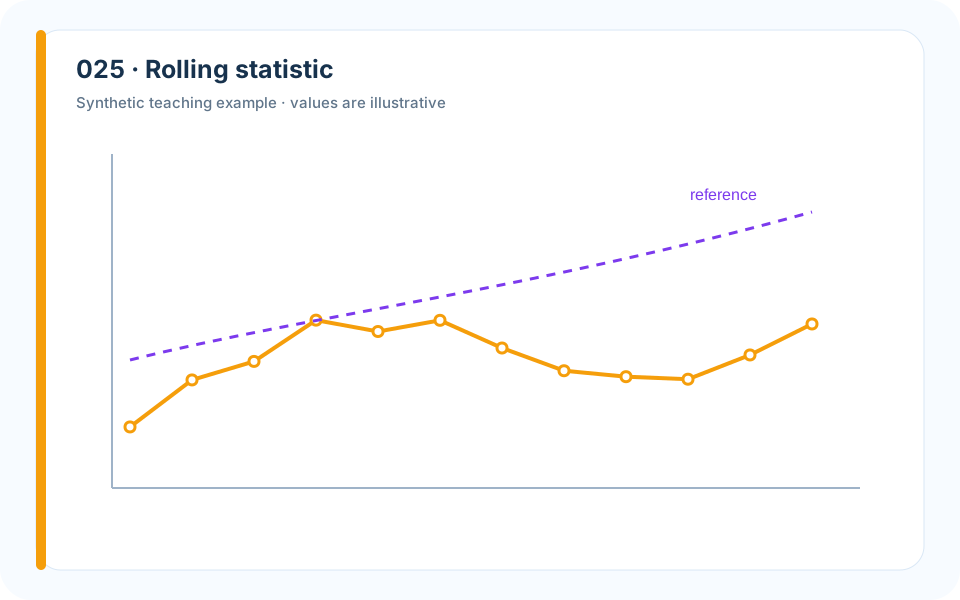
Why it works. A second aligned panel distinguishes level from variability.
What to avoid. Dual axes can manufacture visual correlation.
How to build it. Use aligned panels with a shared time axis and explain the rolling window.
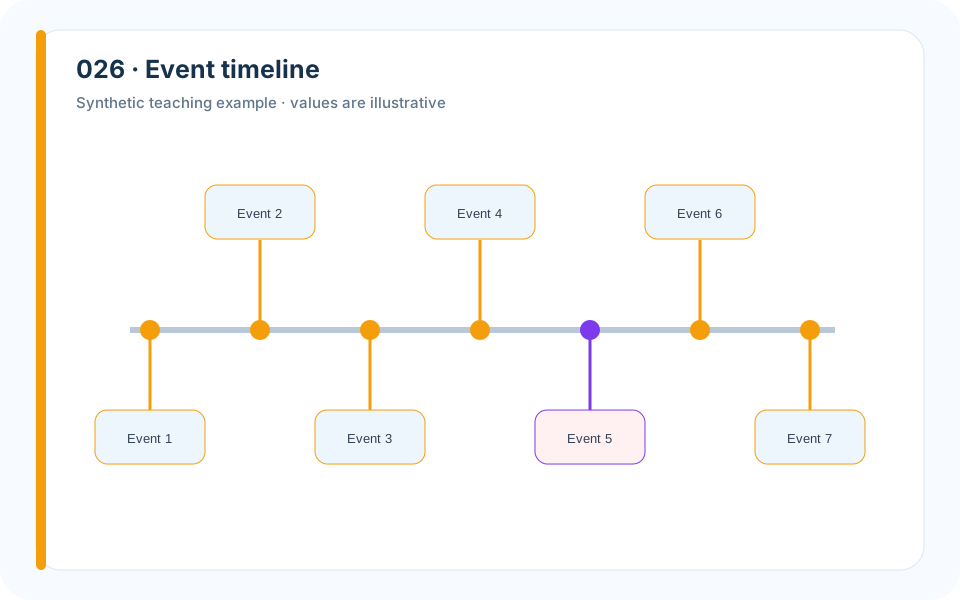
Why it works. Events, actions, and outcomes share one temporal coordinate.
What to avoid. A paragraph list hides ordering and overlap.
How to build it. Place only decision-relevant events, use lanes by type, and annotate the suspected lag.
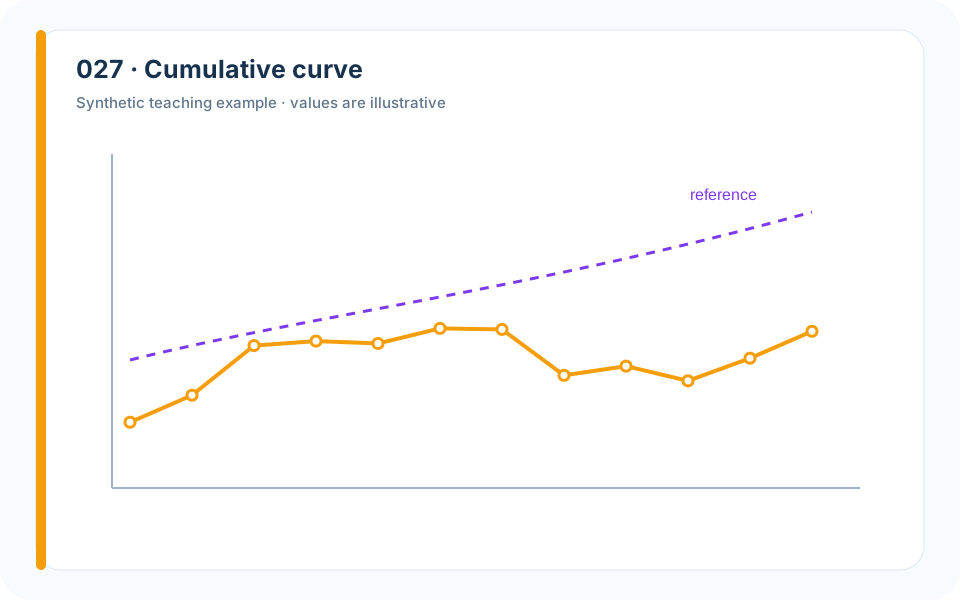
Why it works. The monotone curve supports percentile questions directly.
What to avoid. A histogram makes exact accumulation harder to read.
How to build it. Plot the empirical cumulative proportion and mark operational quantiles.
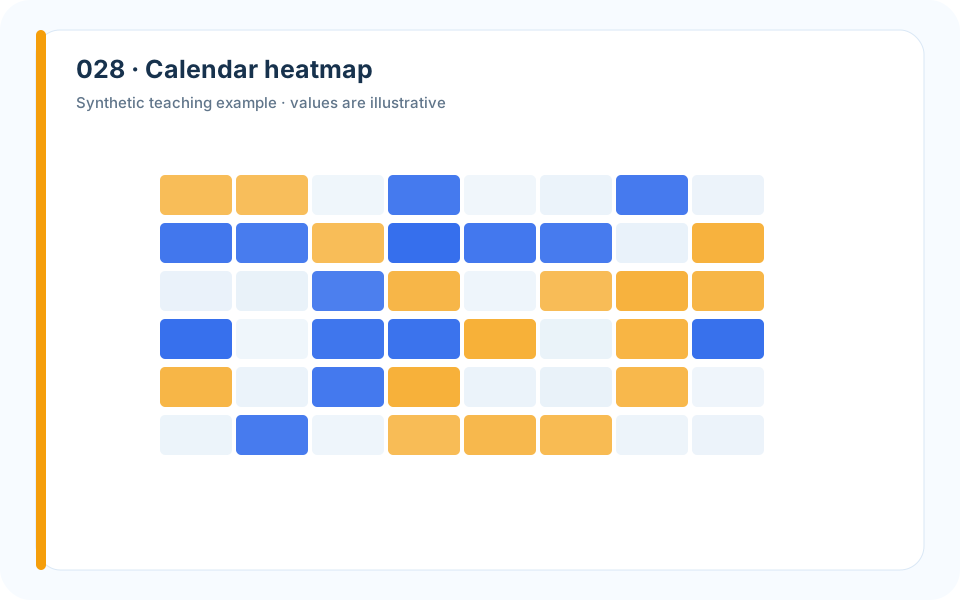
Why it works. Two temporal dimensions are visible without dozens of lines.
What to avoid. A rainbow palette creates boundaries that do not exist in the data.
How to build it. Use a perceptually ordered scale and include missing periods as a separate color.
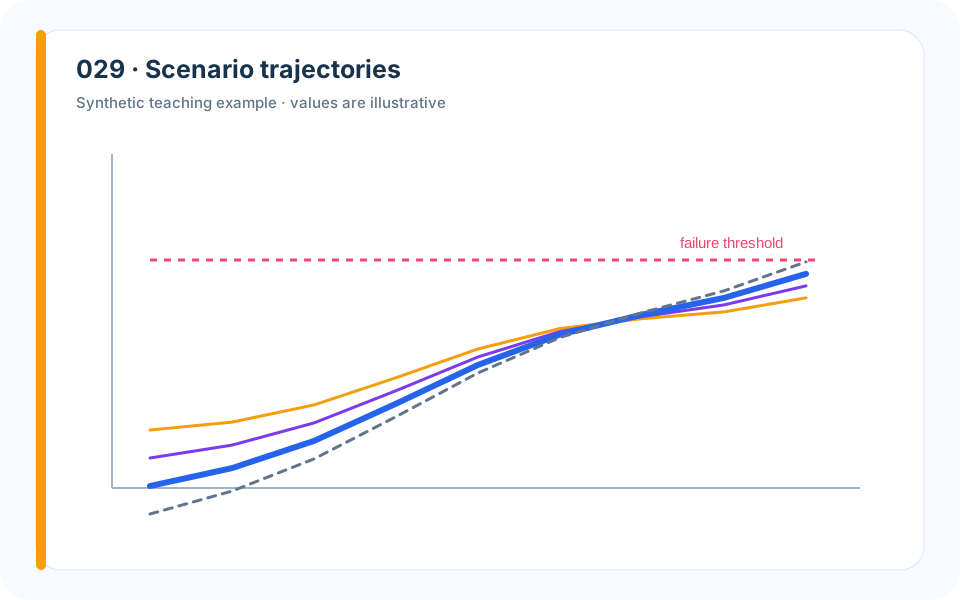
Why it works. A small number of labeled paths makes the scenario assumption visible.
What to avoid. A spaghetti plot of hundreds of runs communicates only density.
How to build it. Show representative scenarios, then summarize the full simulation with intervals.
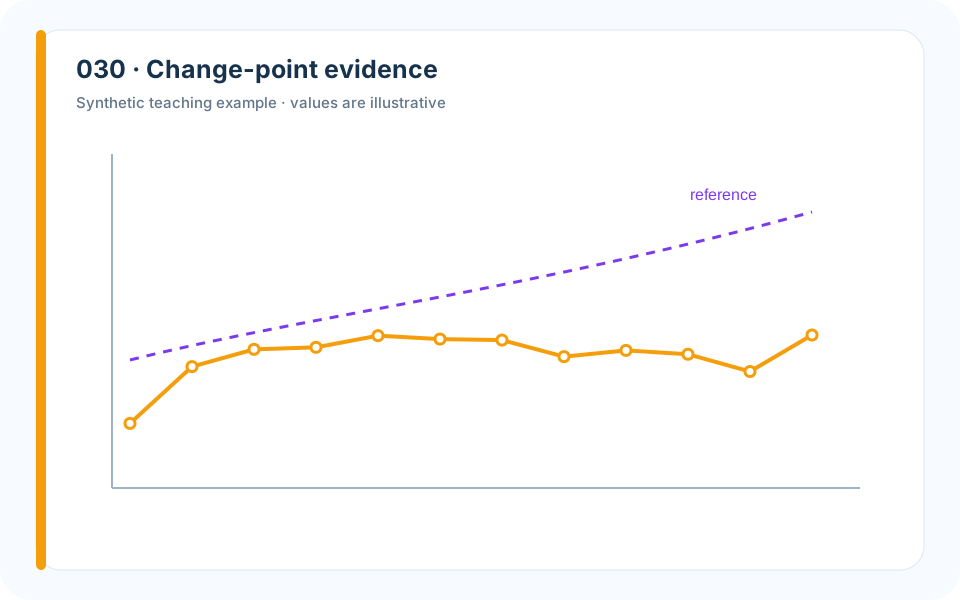
Why it works. A posterior or score panel shows why the boundary was selected.
What to avoid. Drawing a vertical line without evidence turns an algorithmic output into an assertion.
How to build it. Pair the series with the detection statistic and test nearby candidate dates.
4. Distribution, Risk, and Uncertainty
Averages are cheap; decisions often depend on tails, spread, skew, and the probability of crossing a threshold. Distribution graphics show the cases a single summary number suppresses.
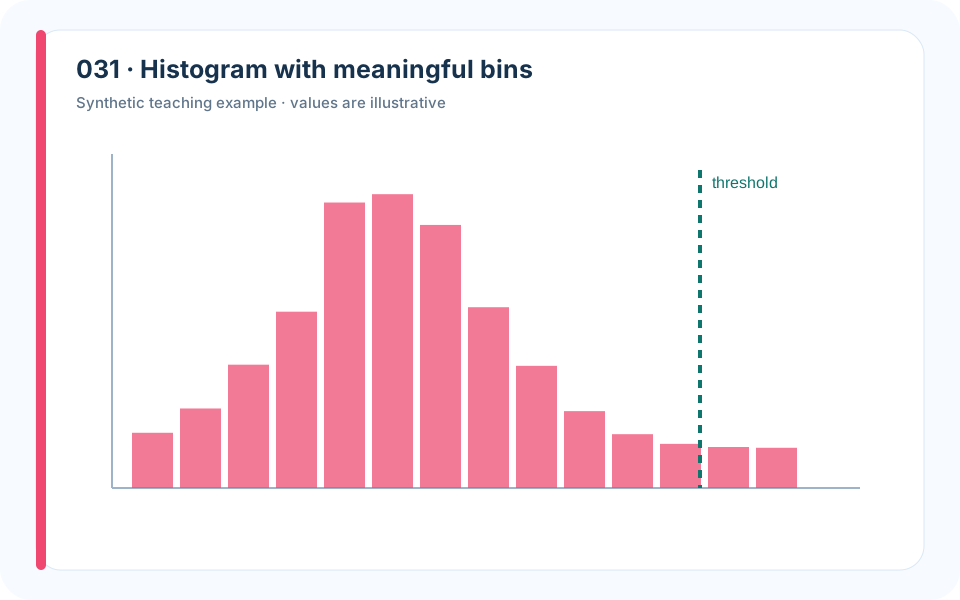
Why it works. The bin width reveals the body and tail without pretending to show a smooth density.
What to avoid. Automatic bins can hide multimodality or create false bumps.
How to build it. Choose bins using measurement precision and decision scale, then report the tail metric.
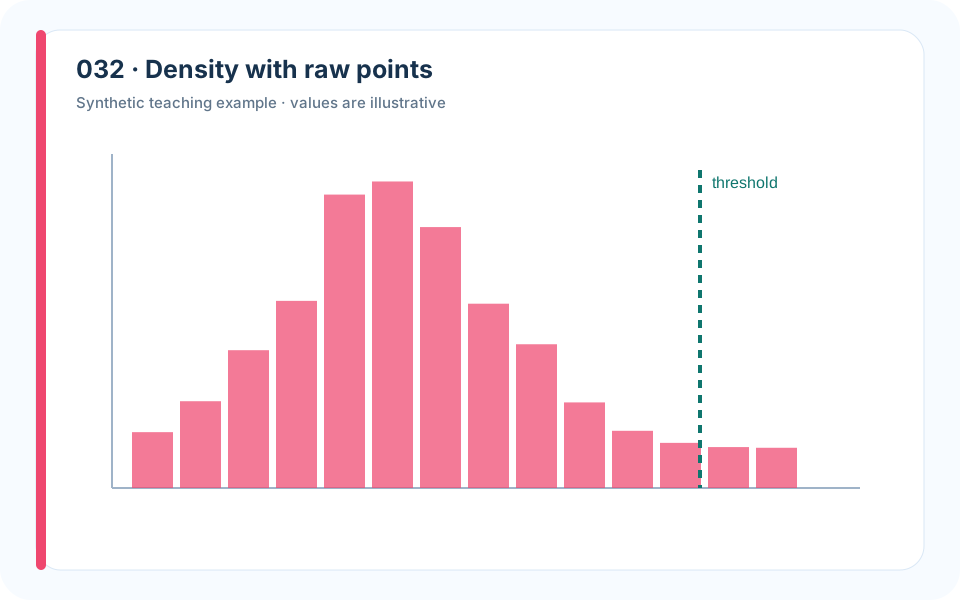
Why it works. The rug plot prevents the smooth curve from hiding a small sample.
What to avoid. A kernel density alone can imply observations where none exist.
How to build it. Show raw positions, state bandwidth, and compare with a histogram.
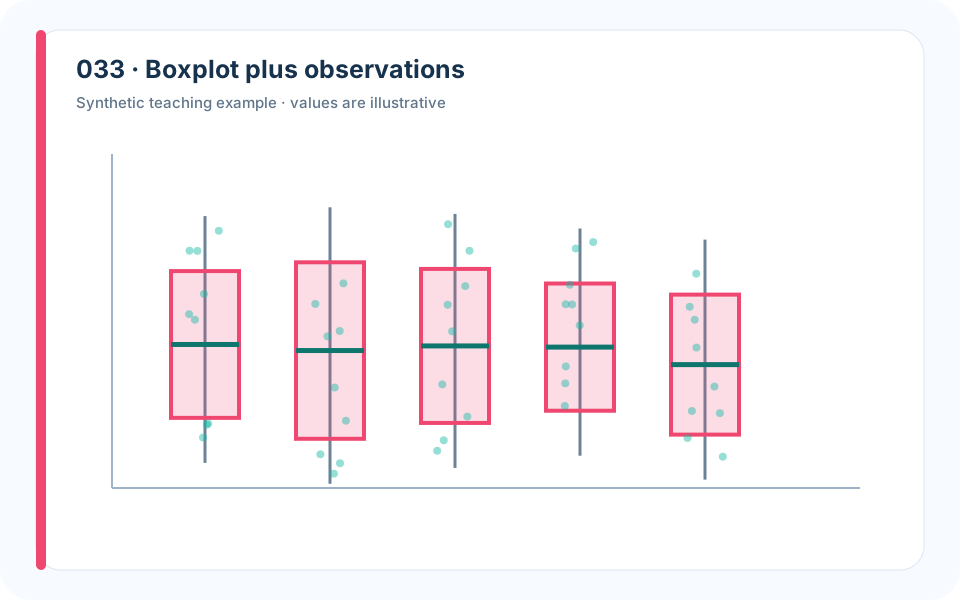
Why it works. Points expose sample size and outliers while the box gives a compact summary.
What to avoid. A boxplot alone can make five observations look as stable as five hundred.
How to build it. Jitter lightly, show sample count, and define the whisker convention.
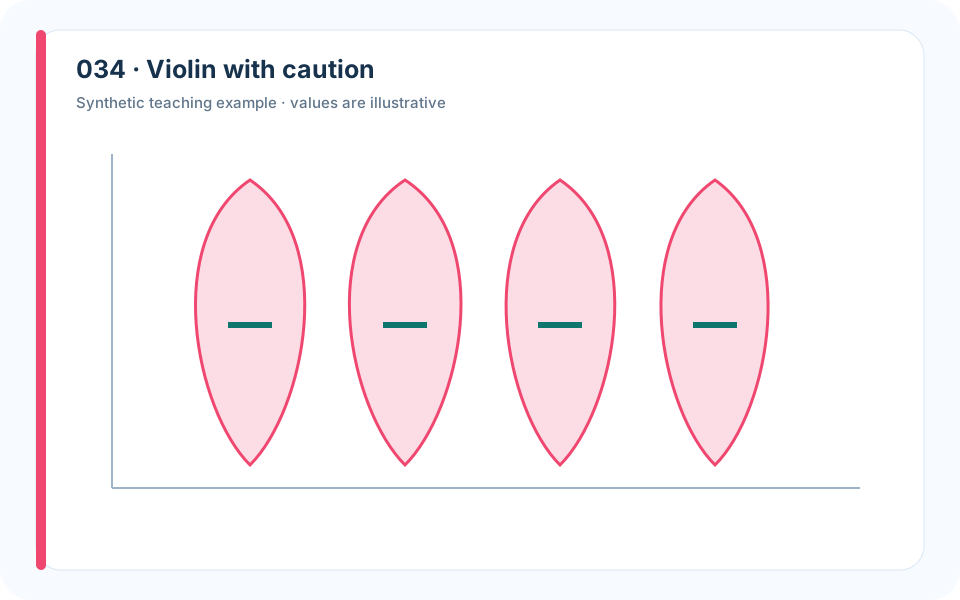
Why it works. Mirrored density makes shape comparison compact.
What to avoid. Wide violins from tiny samples are visually persuasive but statistically weak.
How to build it. Overlay quartiles and raw points; suppress density estimates for very small groups.
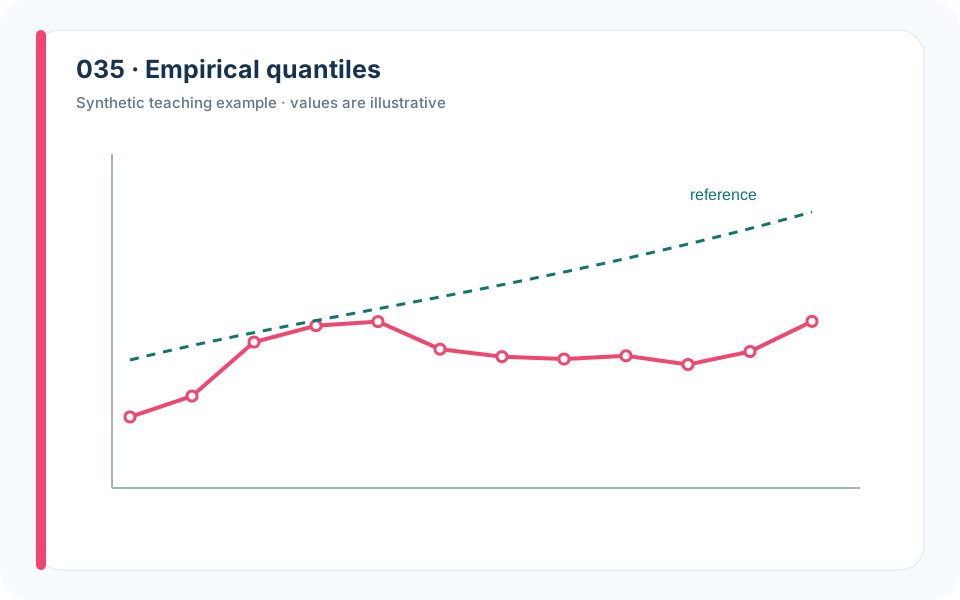
Why it works. Quantile differences show where the distribution changes.
What to avoid. Comparing means would miss unchanged extreme risk.
How to build it. Plot treatment-minus-baseline across quantiles with an uncertainty interval.
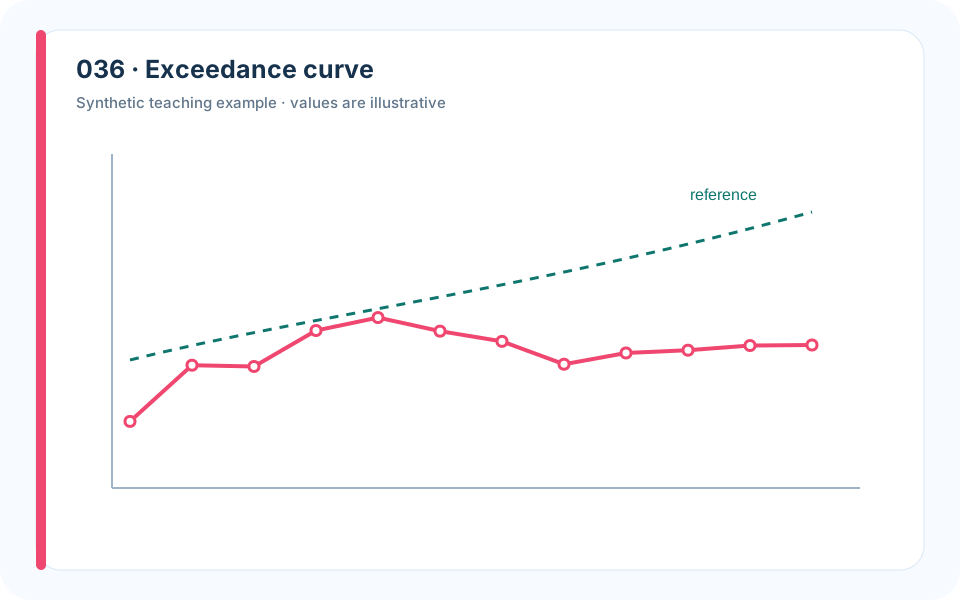
Why it works. The curve answers risk-threshold questions directly.
What to avoid. A maximum value overreacts to one realization and a mean ignores the tail.
How to build it. Sort outcomes, plot exceedance probability, and mark the operational threshold.
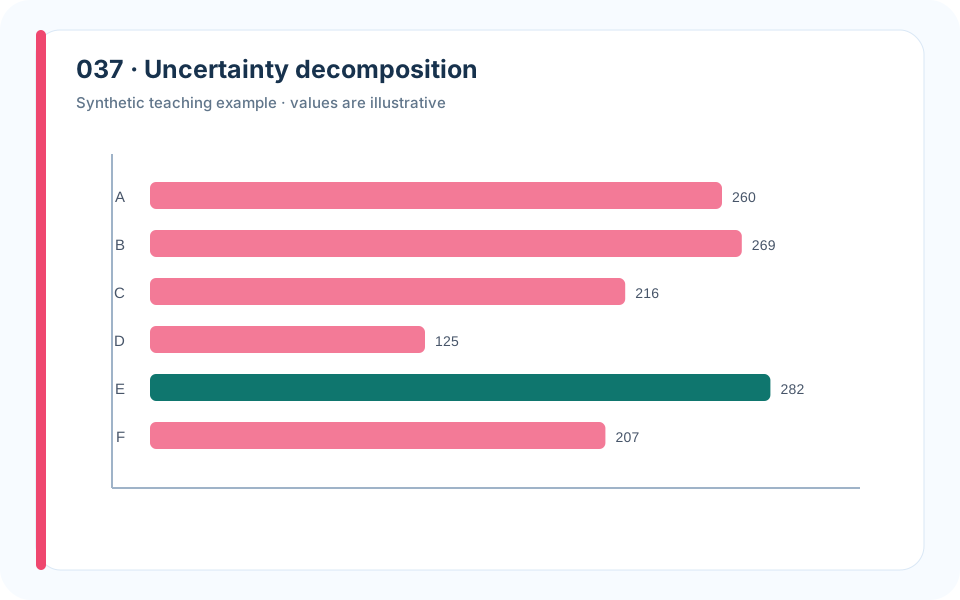
Why it works. Stacked contributions direct future data collection.
What to avoid. Reporting one total interval gives no clue how to reduce uncertainty.
How to build it. Use a common variance or interval-width scale and explain interaction terms.
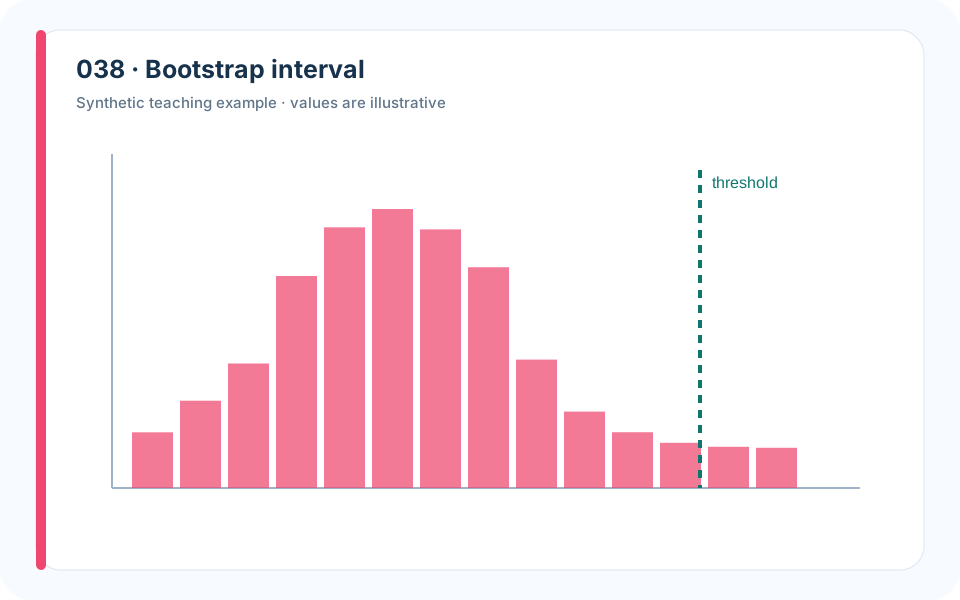
Why it works. Repeated estimates show how sampling changes the result.
What to avoid. A single point estimate makes a near-tie look decisive.
How to build it. Resample at the correct observational unit and display rank frequency as well as metric intervals.
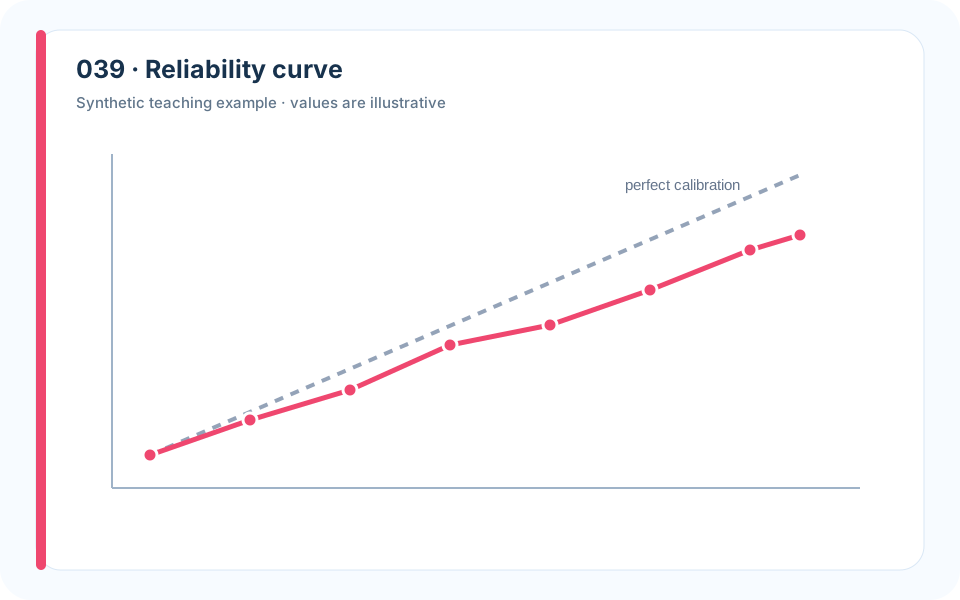
Why it works. The diagonal provides a meaningful reference for probabilistic claims.
What to avoid. Accuracy cannot reveal whether stated probabilities are trustworthy.
How to build it. Bin predictions carefully, add confidence intervals, and report the sample count per bin.
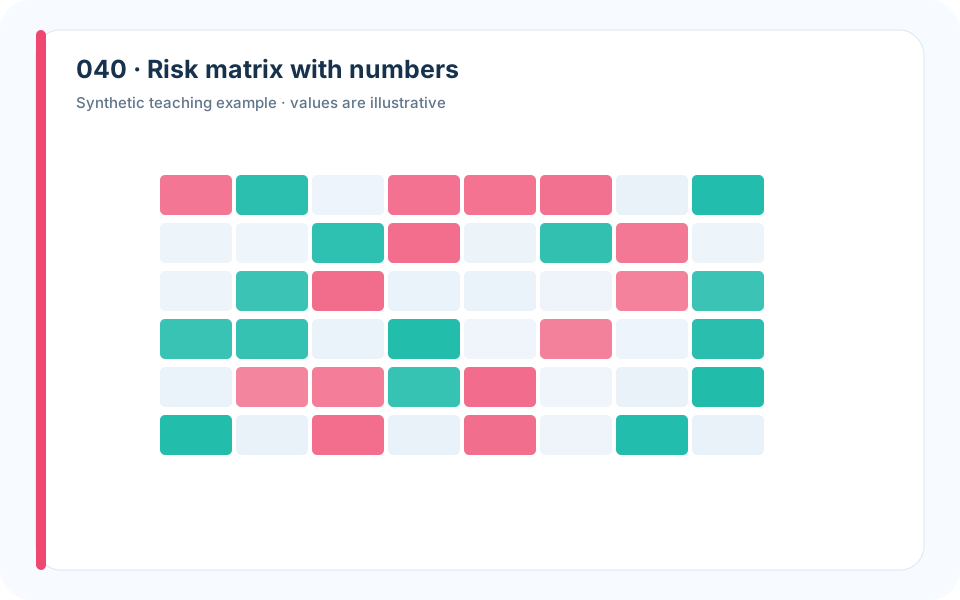
Why it works. Position summarizes priority while labels retain estimated likelihood and impact.
What to avoid. Colored cells without values turn judgment into decoration.
How to build it. Define category boundaries, include the underlying numbers, and test whether mitigation changes the cell.
5. Relationships and Model Diagnostics
Relationship plots should distinguish association, model fit, residual structure, and causal interpretation. A smooth curve is not a mechanism; diagnostics are what tell us whether the curve is credible for the decision.
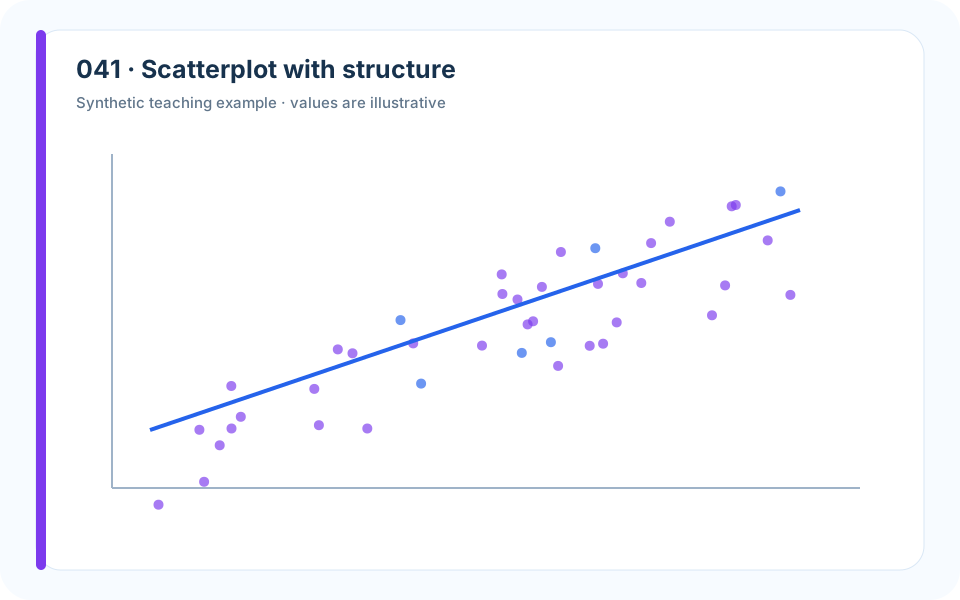
Why it works. Raw points and a transparent smooth curve show both pattern and dispersion.
What to avoid. Connecting unrelated observations creates a false trajectory.
How to build it. Use points, consider transformations, and label units before fitting.
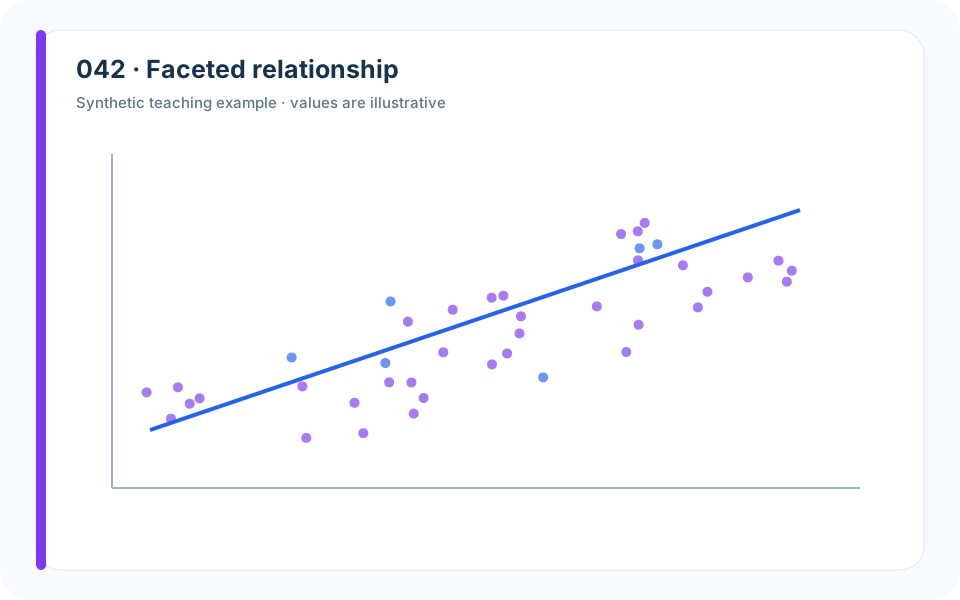
Why it works. Facets reveal a lurking group variable and prevent Simpson’s paradox.
What to avoid. One pooled regression can support the wrong explanation.
How to build it. Plot groups separately on shared scales and compare pooled with conditional estimates.
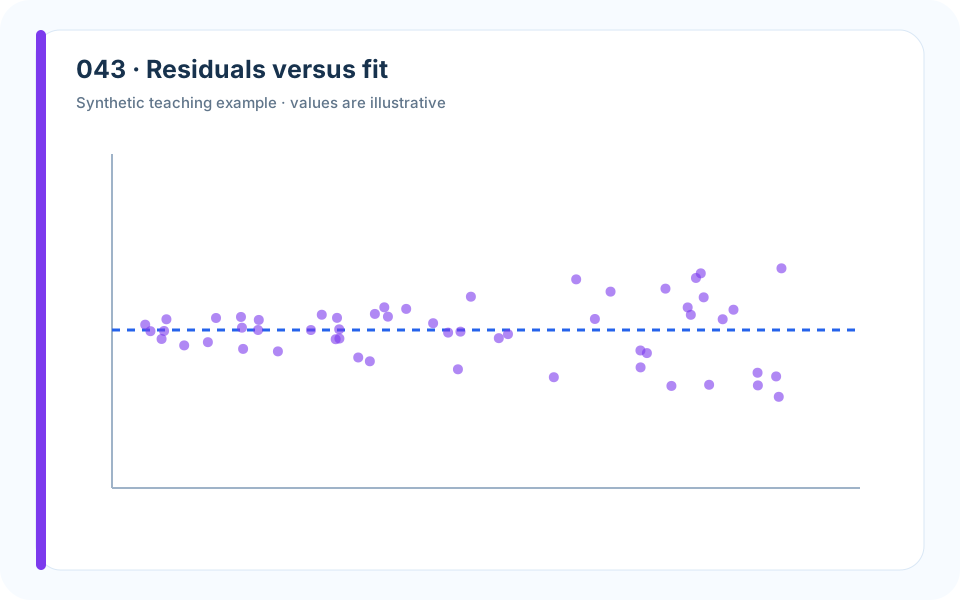
Why it works. The fan shape makes heteroscedasticity visible.
What to avoid. A high R-squared can coexist with systematically unreliable intervals.
How to build it. Plot residuals around zero, inspect scale, and consider transformation or weighted errors.
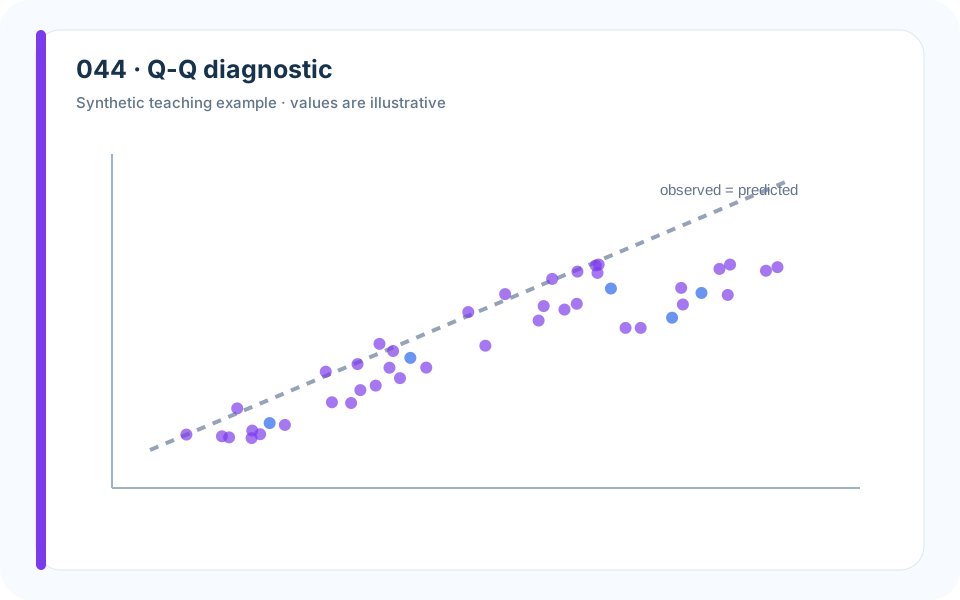
Why it works. Departure from the reference line localizes the mismatch.
What to avoid. A normal-looking histogram may hide tail failure.
How to build it. Use quantile reference points and connect the consequence to inference or risk estimates.
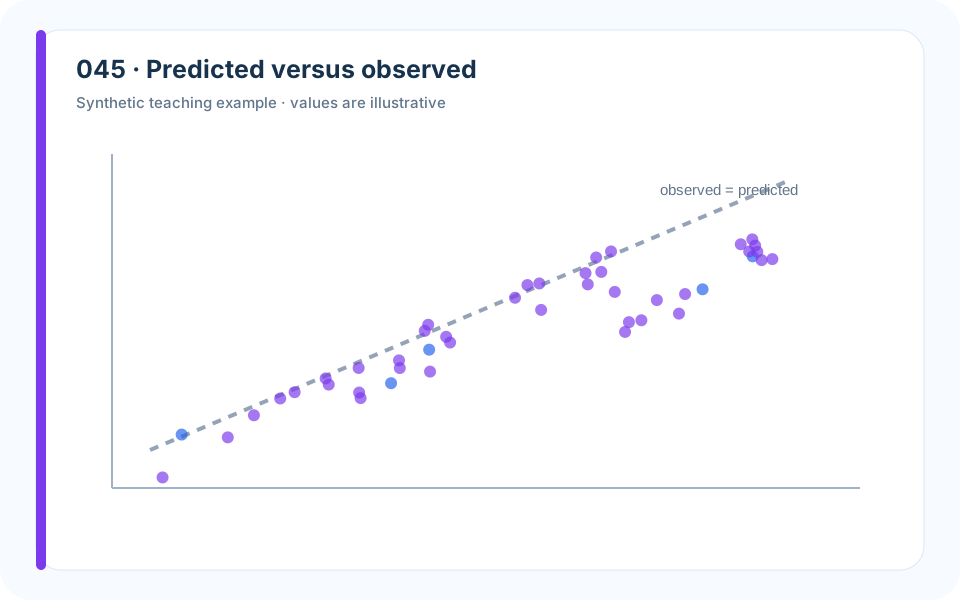
Why it works. The identity line turns calibration bias into geometric distance.
What to avoid. A fitted trend line alone can hide systematic offset from perfect prediction.
How to build it. Use equal axes, draw y=x, and annotate error metrics on held-out data.
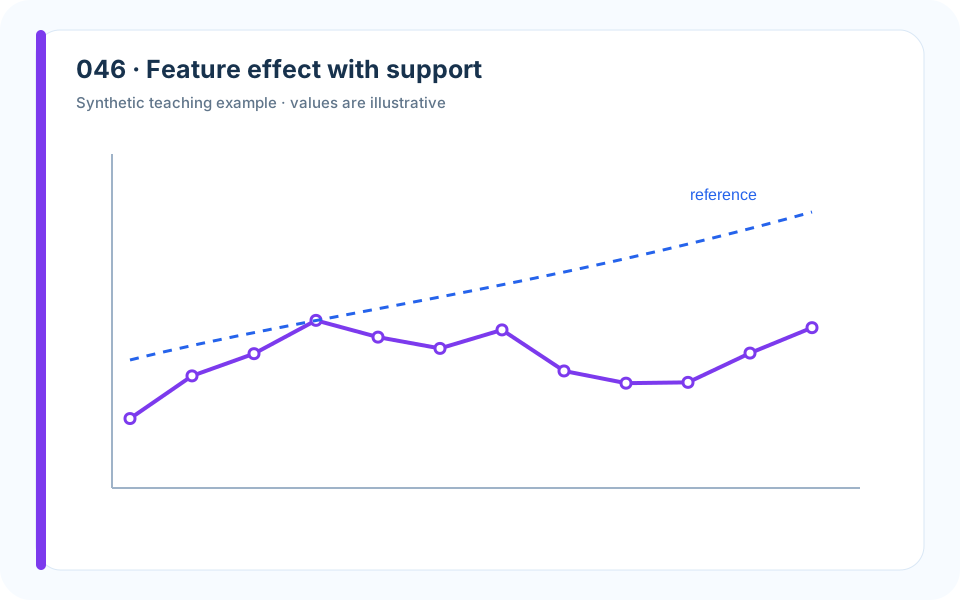
Why it works. The rug marks where data actually support the curve.
What to avoid. Extrapolated effects can look authoritative outside the observed range.
How to build it. Show uncertainty and data density; shade or omit unsupported extrapolation.
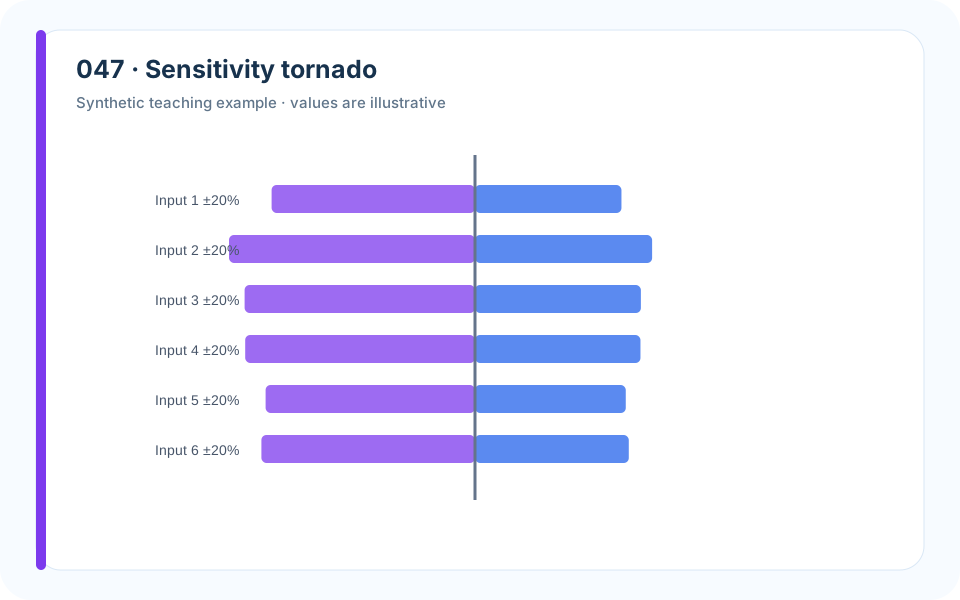
Why it works. Sorted one-at-a-time effects focus attention on influential assumptions.
What to avoid. Unlabeled perturbations make bar length uninterpretable.
How to build it. State the baseline and perturbation for every input; follow with interaction tests when needed.
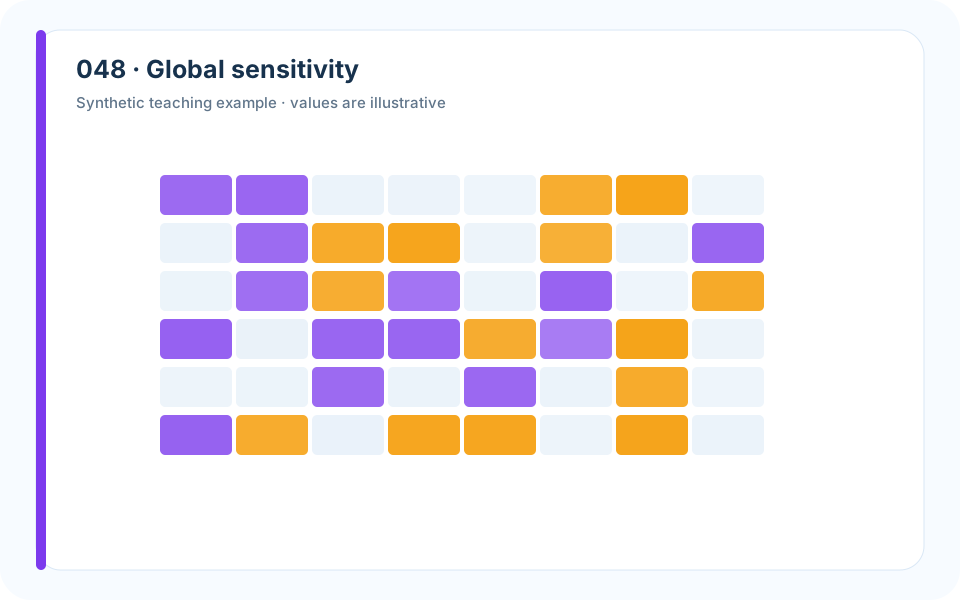
Why it works. A response surface exposes interaction a tornado chart misses.
What to avoid. Changing one variable at a time assumes separability.
How to build it. Sweep a defensible grid, mark the baseline, and overlay the decision boundary.
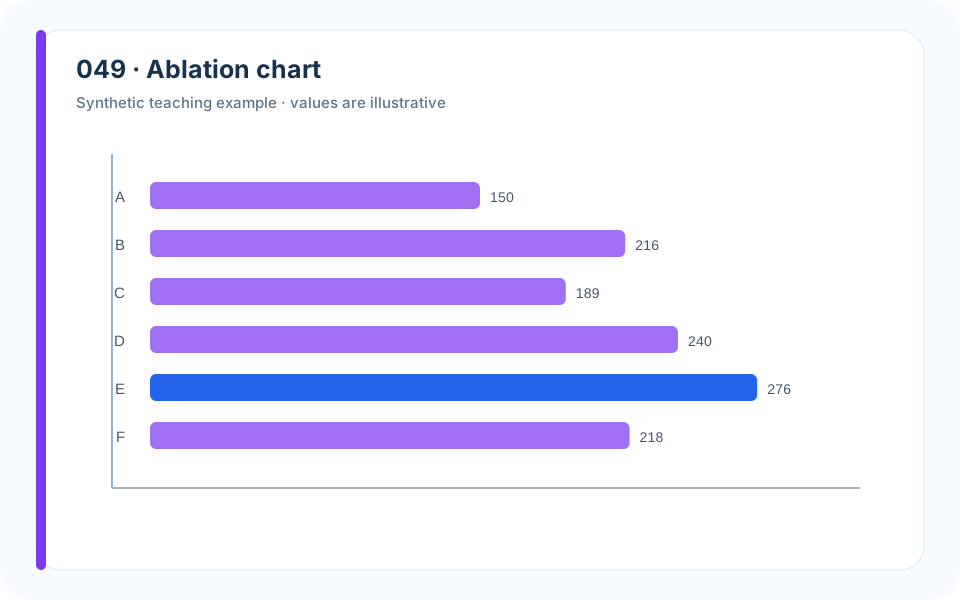
Why it works. A shared baseline quantifies each component’s contribution.
What to avoid. Presenting only the full model offers no evidence that complexity is necessary.
How to build it. Remove one component at a time, repeat across splits, and show uncertainty.
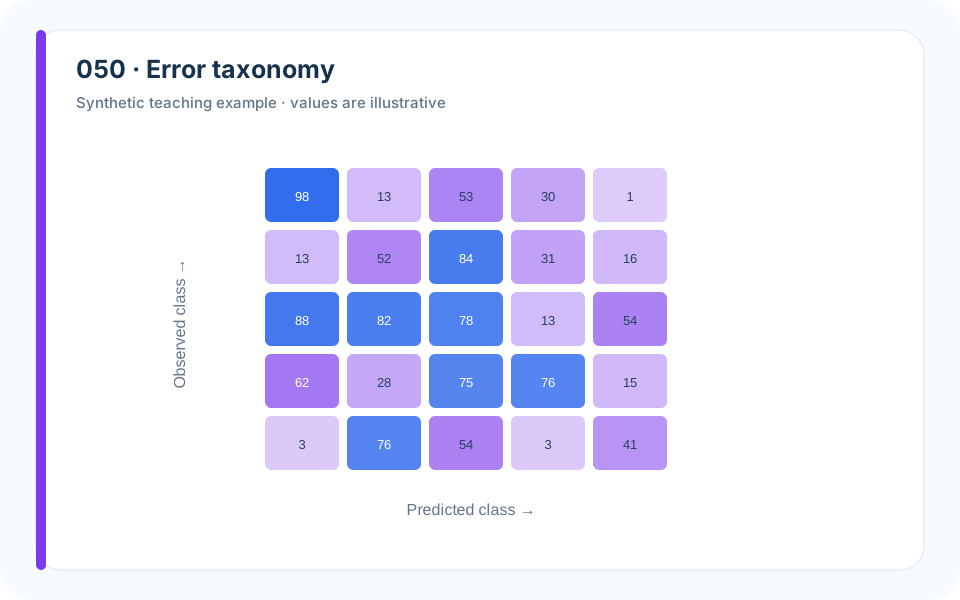
Why it works. A normalized matrix locates error type and class imbalance.
What to avoid. Overall accuracy hides which errors matter operationally.
How to build it. Choose row or column normalization to match the question and label raw counts.
6. Space, Maps, and Geometry
Spatial graphics must preserve geography without allowing area, projection, or color to overwhelm the decision. Sometimes the right answer is a map; sometimes it is a distance plot or schematic.
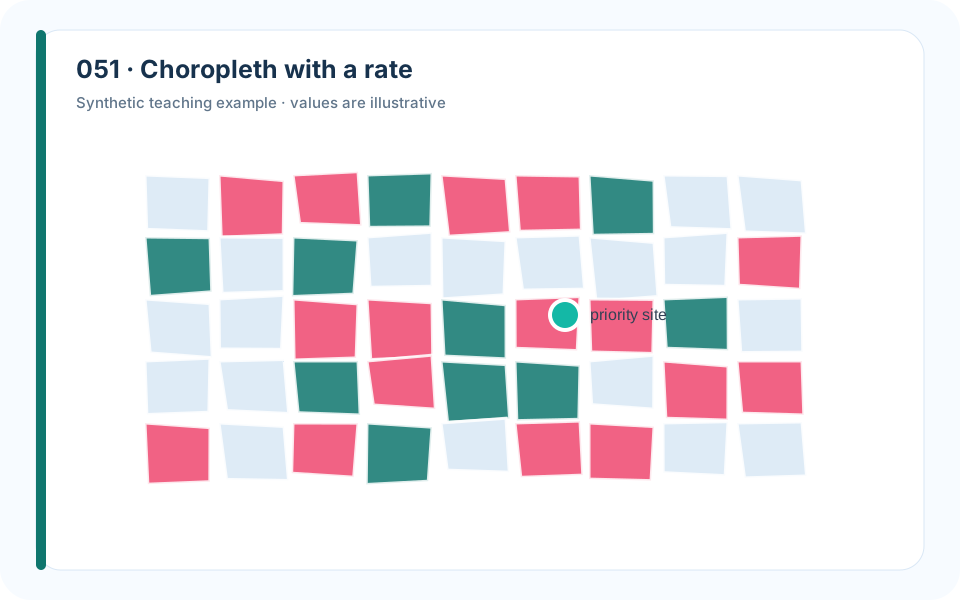
Why it works. A rate prevents large-population regions from looking risky merely because they contain more events.
What to avoid. Mapping raw counts confounds exposure with incidence.
How to build it. Normalize by a relevant denominator, choose explicit class breaks, and note unstable small-area rates.
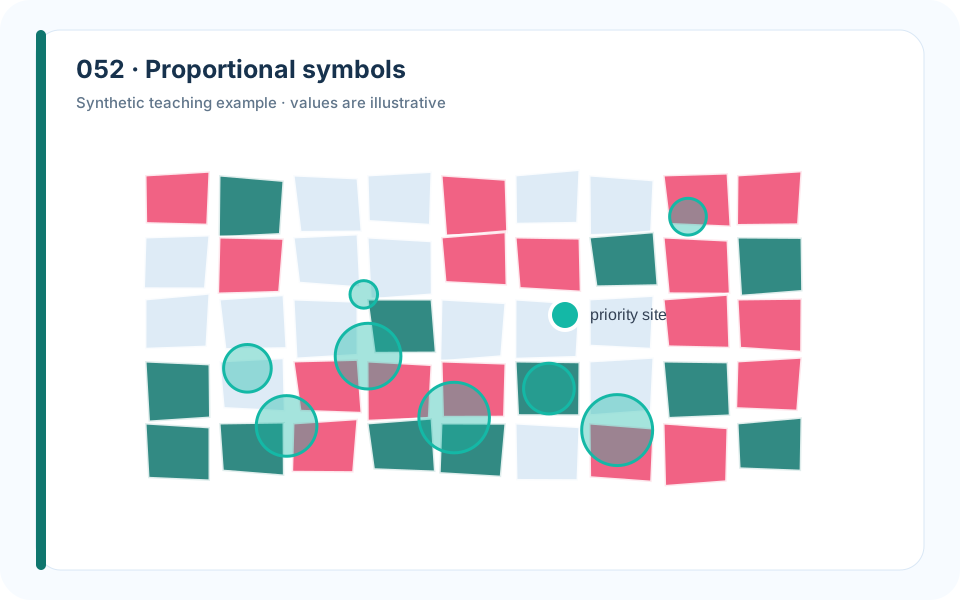
Why it works. Circle area encodes volume while position preserves location.
What to avoid. Using radius rather than area exaggerates large values.
How to build it. Scale symbol area, add transparency, and provide a size legend.
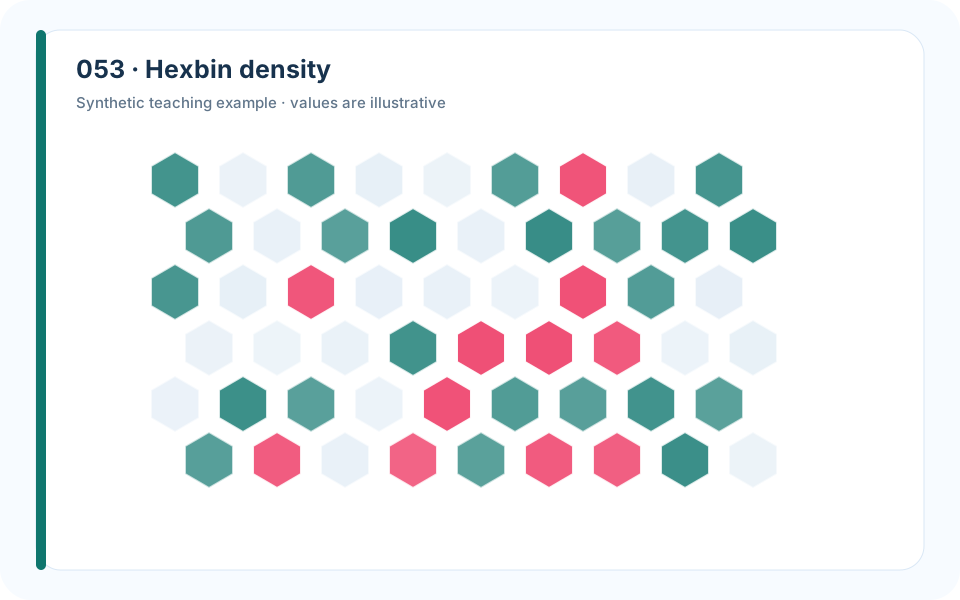
Why it works. Aggregation reveals density without overplotting thousands of points.
What to avoid. Raw points turn dense areas into opaque blobs.
How to build it. Select a cell size tied to spatial precision and display zero-observation cells honestly.
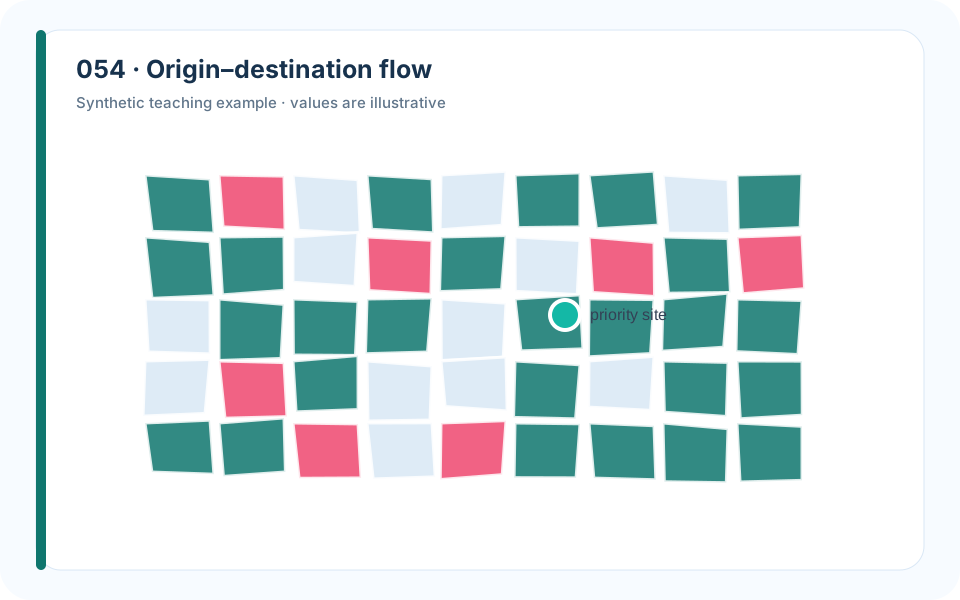
Why it works. Curved links encode direction and volume without losing origins.
What to avoid. Plotting every trip creates an unreadable hairball.
How to build it. Aggregate meaningful zones, filter negligible flows, and scale width by volume.
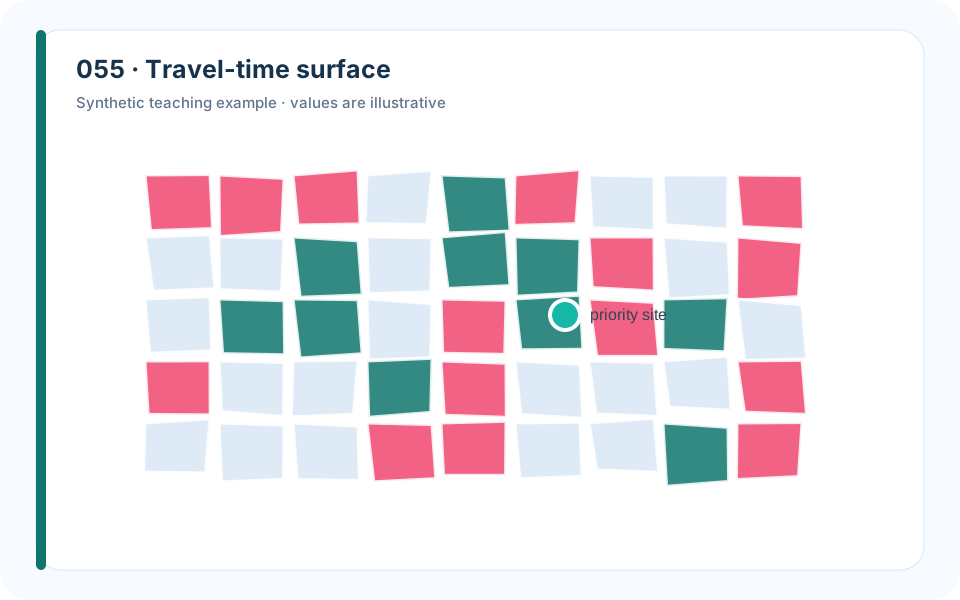
Why it works. Isochrones encode reachable time rather than geometric distance.
What to avoid. Circular buffers ignore network barriers and speed variation.
How to build it. Compute travel time on the network and label contour levels in minutes.
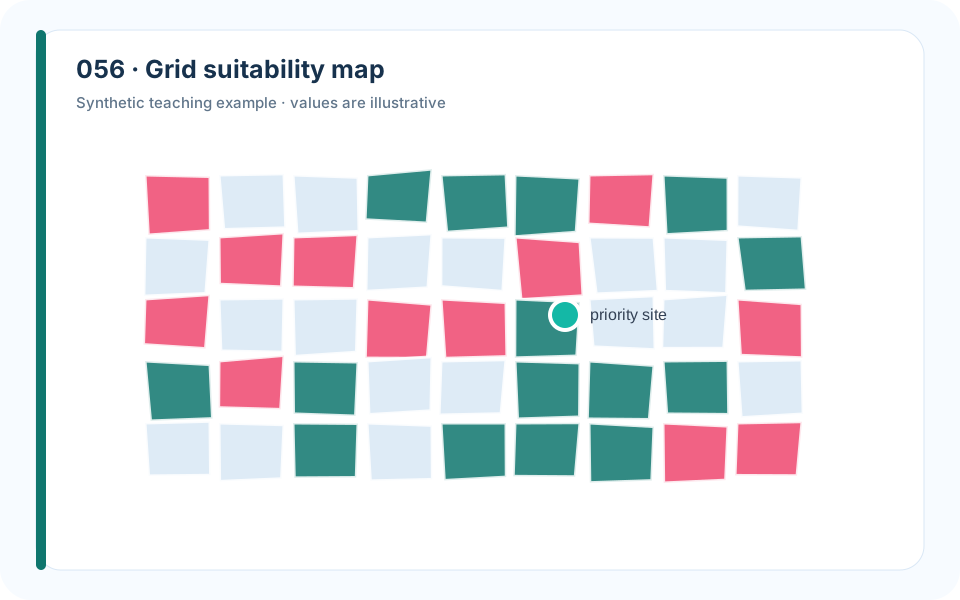
Why it works. Layered criteria culminate in a visible feasible region.
What to avoid. A final score map hides which hard constraint excluded a cell.
How to build it. Show key input layers, then separate infeasible from merely low-scoring cells.
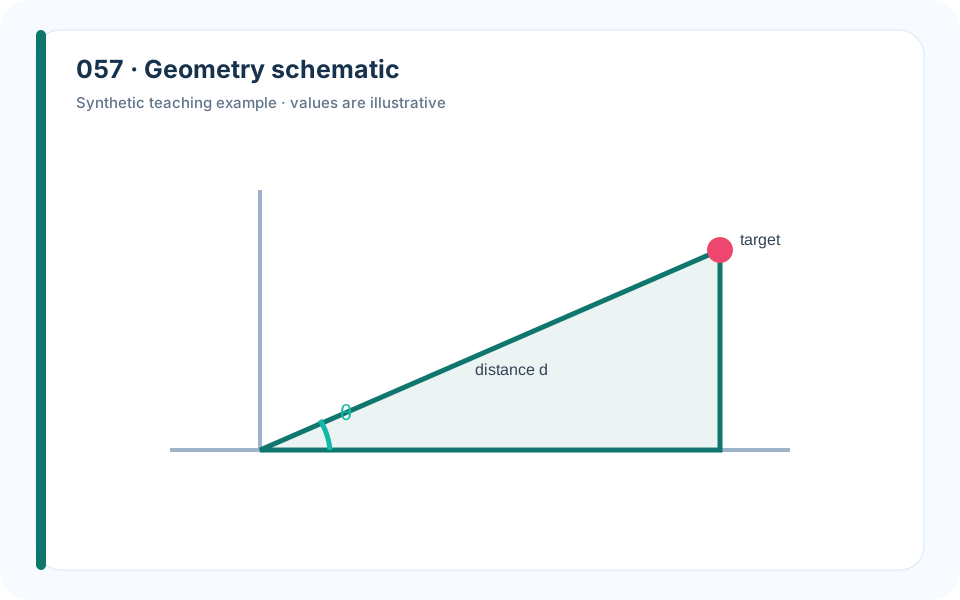
Why it works. A simplified diagram names points, angles, and distances used by the equations.
What to avoid. A decorative photograph cannot establish geometric relationships.
How to build it. Remove irrelevant detail, preserve orientation, and make every labeled element appear in the model.
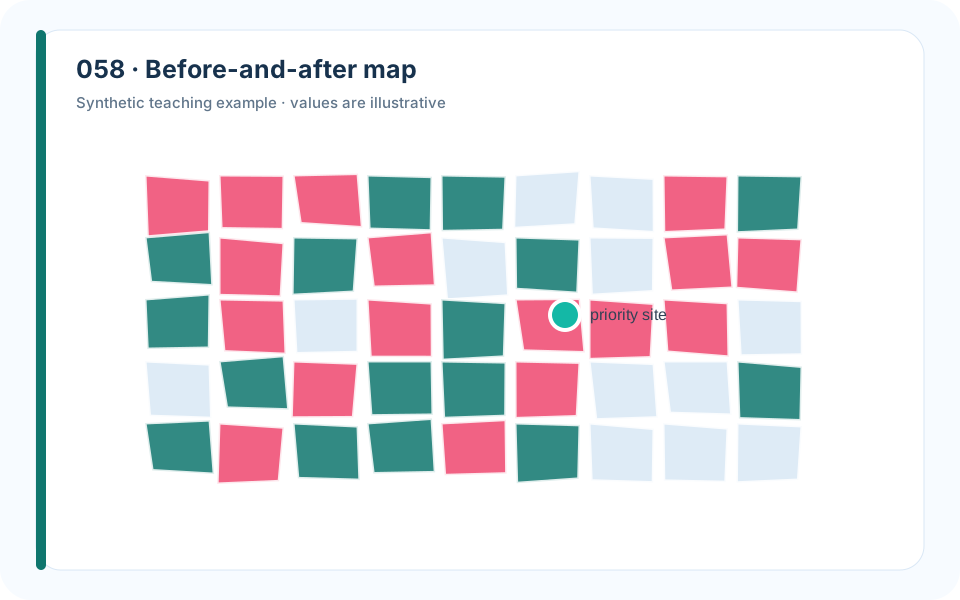
Why it works. Matched extent and color scale make relocation visible.
What to avoid. Independent legends can create a false improvement.
How to build it. Lock projection, extent, classes, and legend across panels.
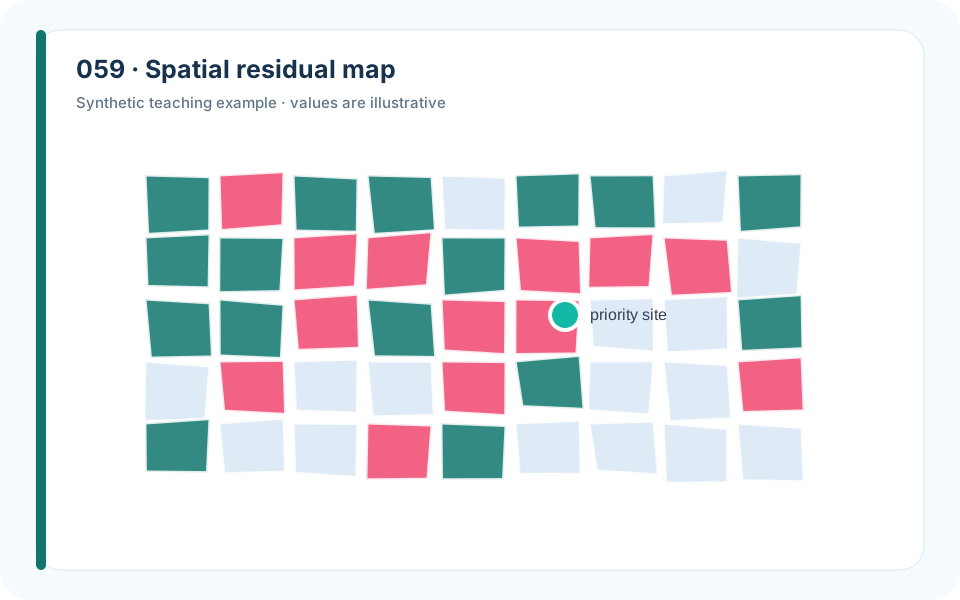
Why it works. Mapping residual sign and magnitude exposes missing spatial structure.
What to avoid. A good global metric can conceal regional failure.
How to build it. Use a diverging scale centered at zero and test spatial autocorrelation.
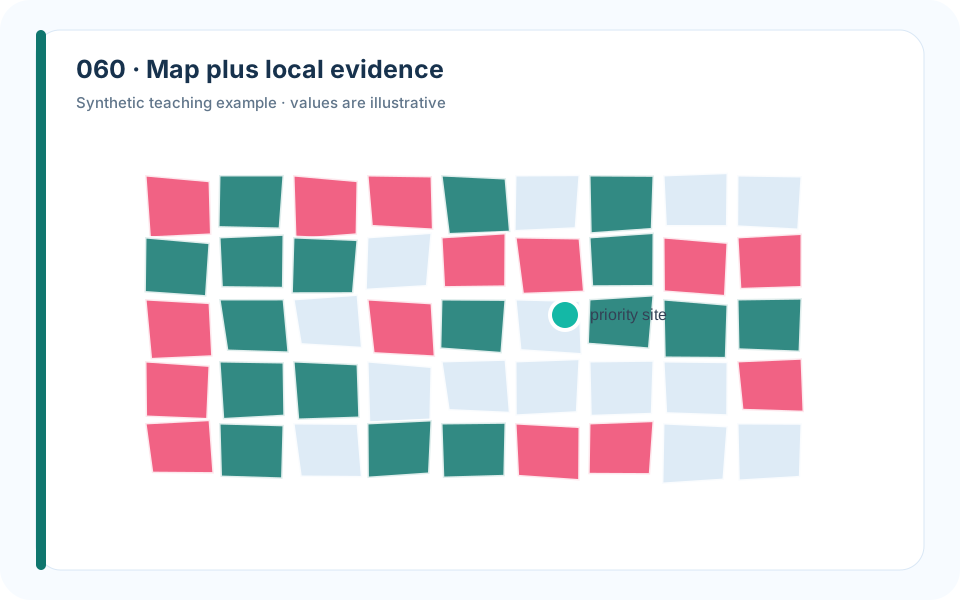
Why it works. Callouts connect the final location to the evidence that distinguishes it.
What to avoid. A star on a map shows the answer but not the reason.
How to build it. Add only the decisive nearby features, distances, and scenario values.
7. Networks, Flows, and Optimization
Network and optimization figures should expose structure and constraints rather than display every edge or solver iteration. The reader needs to understand why the solution has its shape.
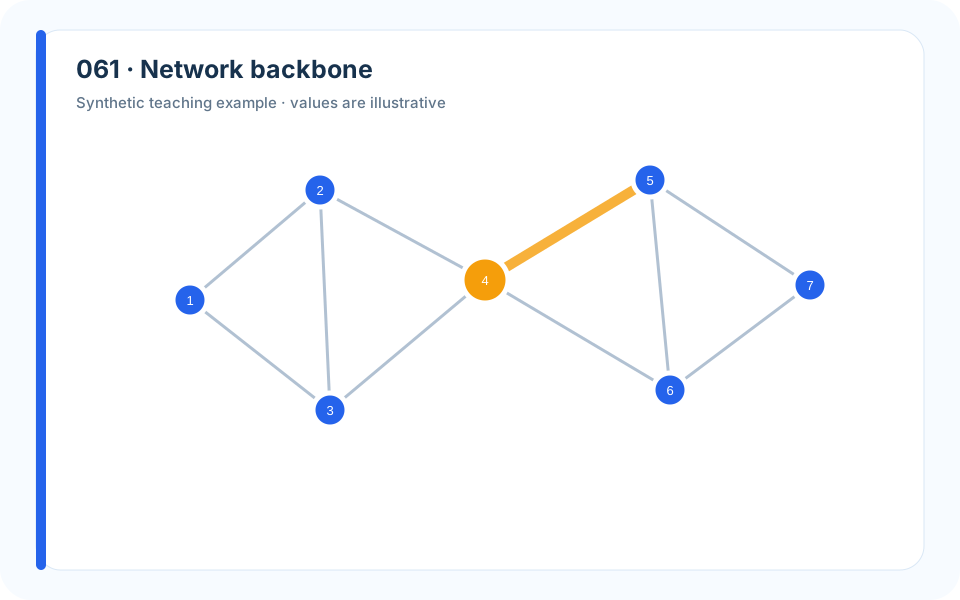
Why it works. Edge width and restrained labels reveal the structural bottleneck.
What to avoid. Drawing every weak edge produces a hairball.
How to build it. Filter or fade nonessential edges and state what nodes, edges, width, and color mean.
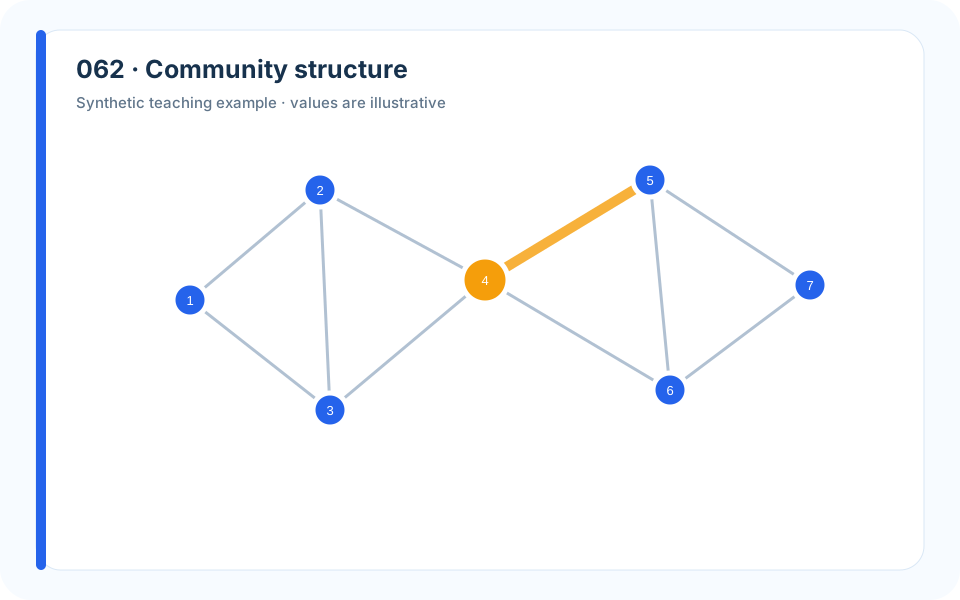
Why it works. Spatial grouping and color reinforce the same community assignment.
What to avoid. Force-directed layouts can suggest distance that has no domain meaning.
How to build it. Explain the layout, test stability, and emphasize boundary edges.
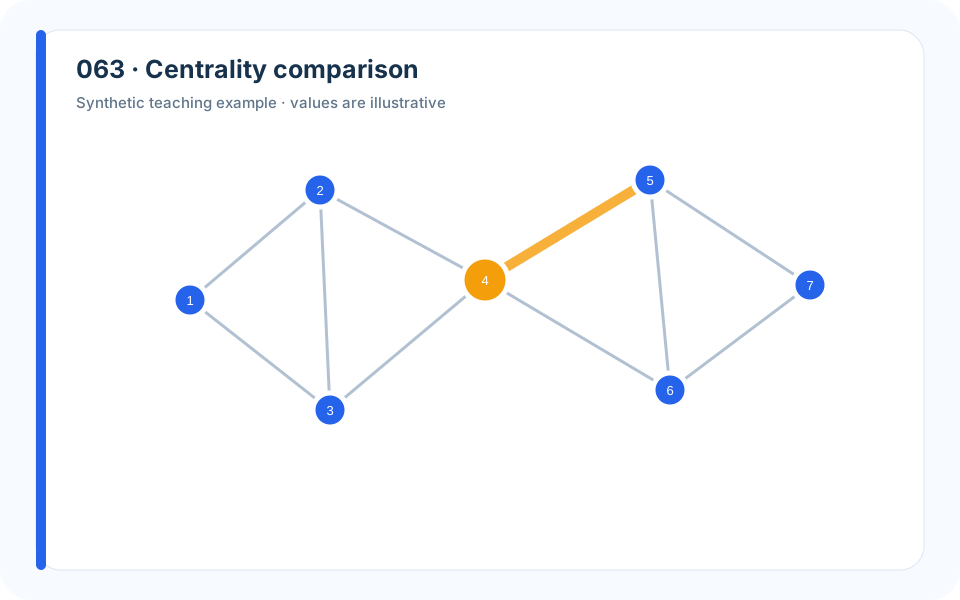
Why it works. Aligned rankings prevent one centrality measure from being mistaken for importance itself.
What to avoid. Reporting a single score hides the definition of influence.
How to build it. Compare measures, define the intervention, and validate against simulated removals.
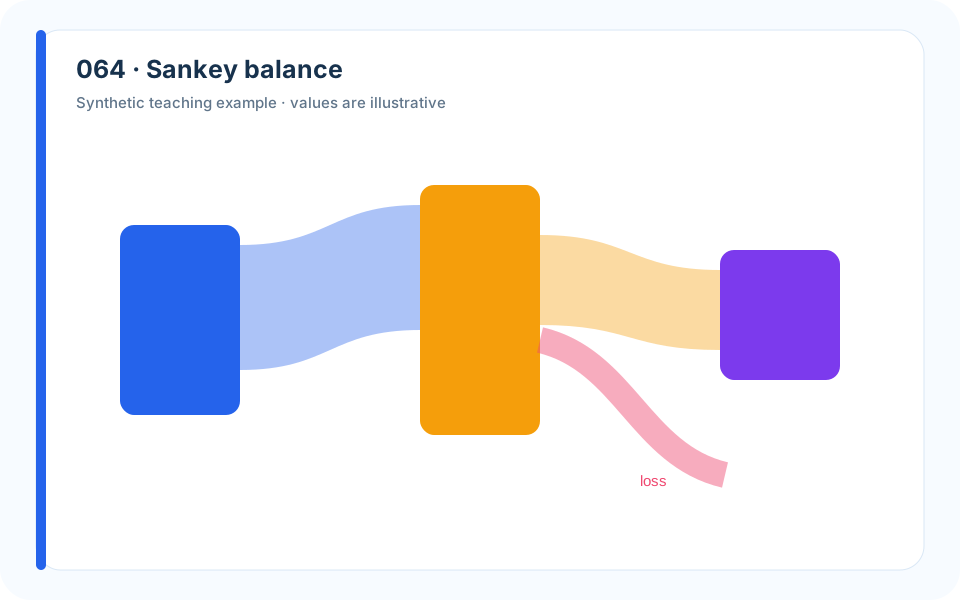
Why it works. Flow width makes conservation and loss locations visible.
What to avoid. Unbalanced ribbons or arbitrary curvature can imply false conservation.
How to build it. Make inputs equal outputs plus losses and label units at every stage.
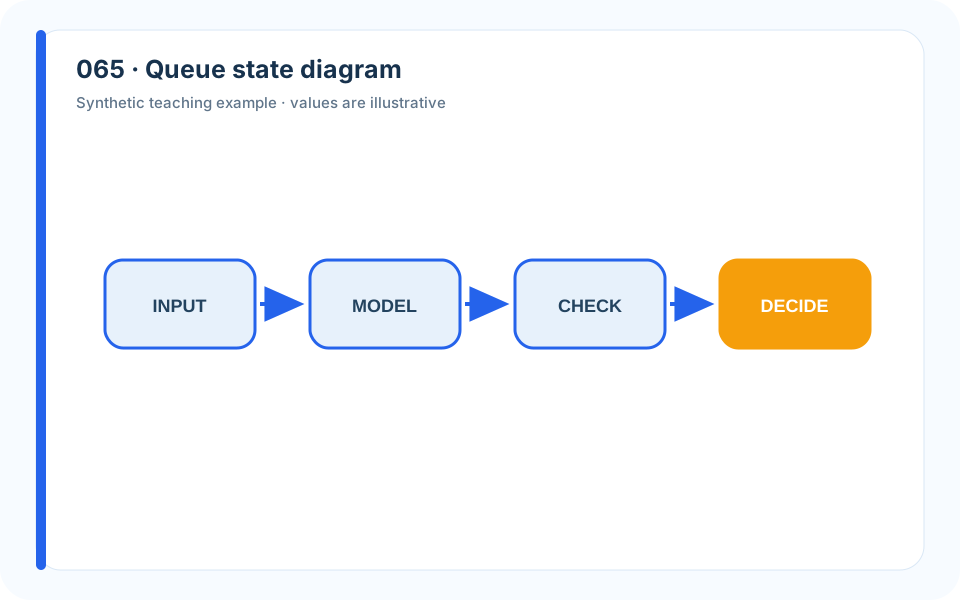
Why it works. States and labeled transitions translate the stochastic model into inspectable logic.
What to avoid. A dense transition matrix is difficult to connect to real operations.
How to build it. Draw a representative state slice and link labels to model parameters.
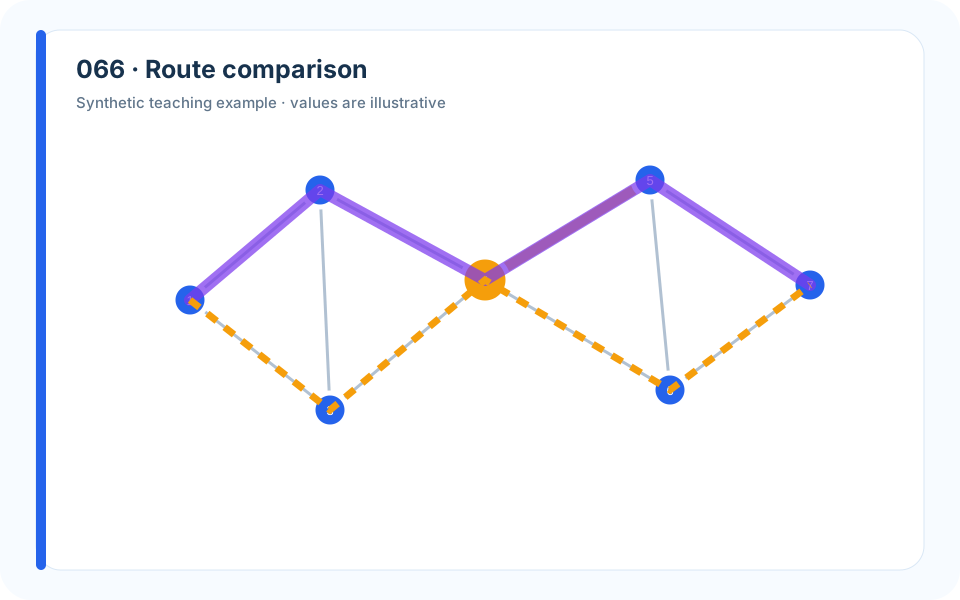
Why it works. Baseline and robust routes share the same network and cost scale.
What to avoid. Two maps with different extents make route comparison unreliable.
How to build it. Overlay alternatives or use matched panels; annotate distance and worst-case delay.
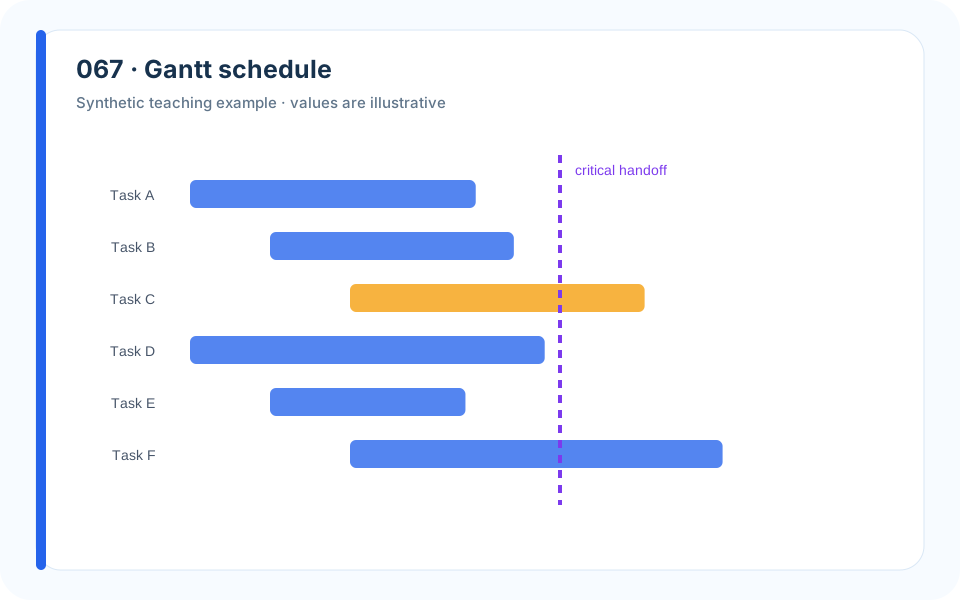
Why it works. Lanes and dependencies expose why one task must wait.
What to avoid. A task list hides overlap and shared-resource conflicts.
How to build it. Use one time scale, label critical tasks, and mark idle time caused by constraints.
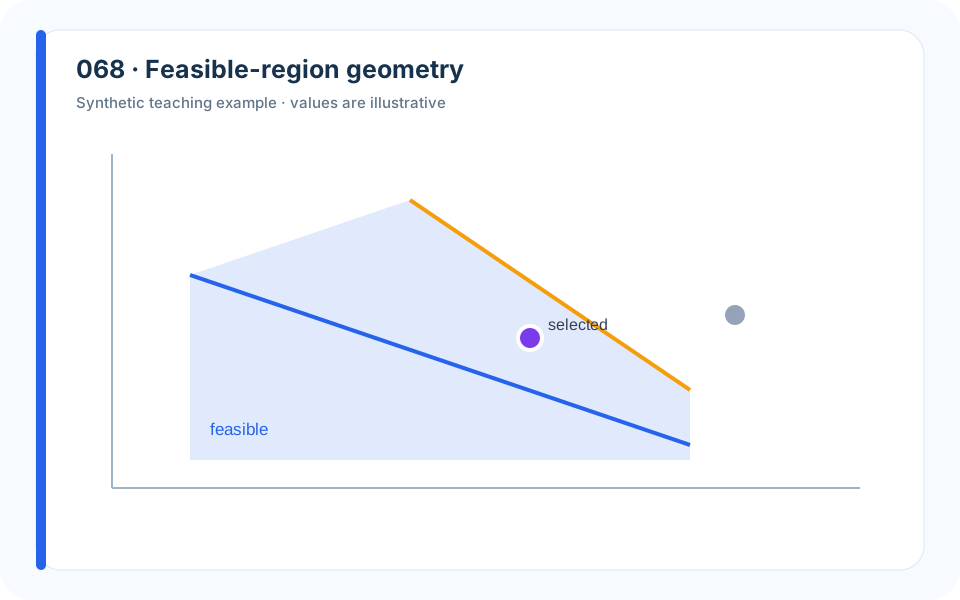
Why it works. The diagram gives physical meaning to active constraints.
What to avoid. Reporting solver output alone makes the optimum look magical.
How to build it. Plot two-variable slices, label active boundaries, and test nearby feasible points.
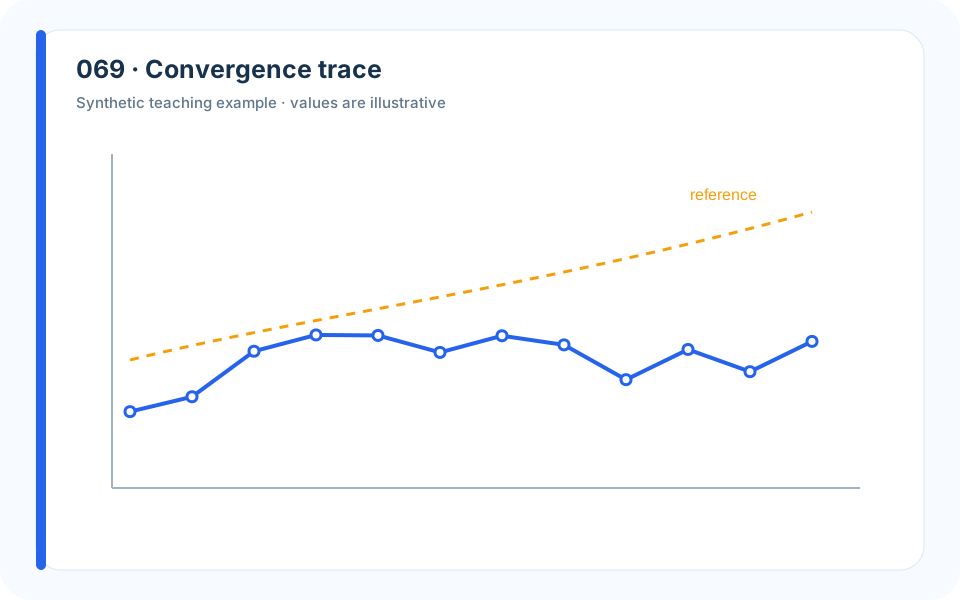
Why it works. Multiple runs separate convergence speed from solution variability.
What to avoid. One best run overstates reliability.
How to build it. Plot representative and summary runs, state stopping rules, and compare with a baseline bound.
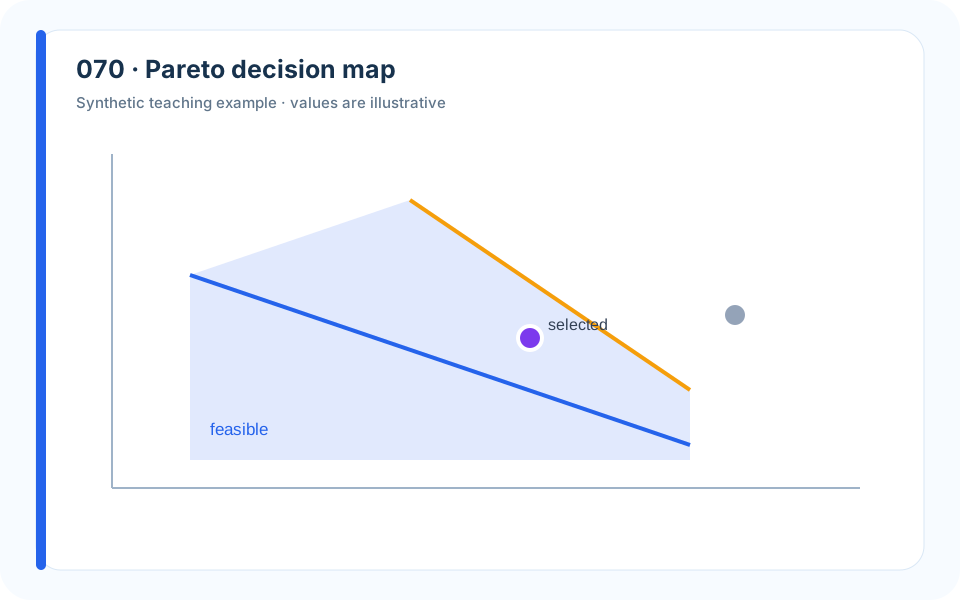
Why it works. Named alternatives make the trade-off actionable.
What to avoid. Selecting one weight vector prematurely erases reasonable choices.
How to build it. Retain the frontier, explain the knee, and let preferences enter after dominance analysis.
8. Frameworks and Model Architecture
Framework diagrams are valuable when equations and prose span several modules. Their purpose is not to look futuristic; it is to reveal inputs, transformations, feedback, and responsibility.
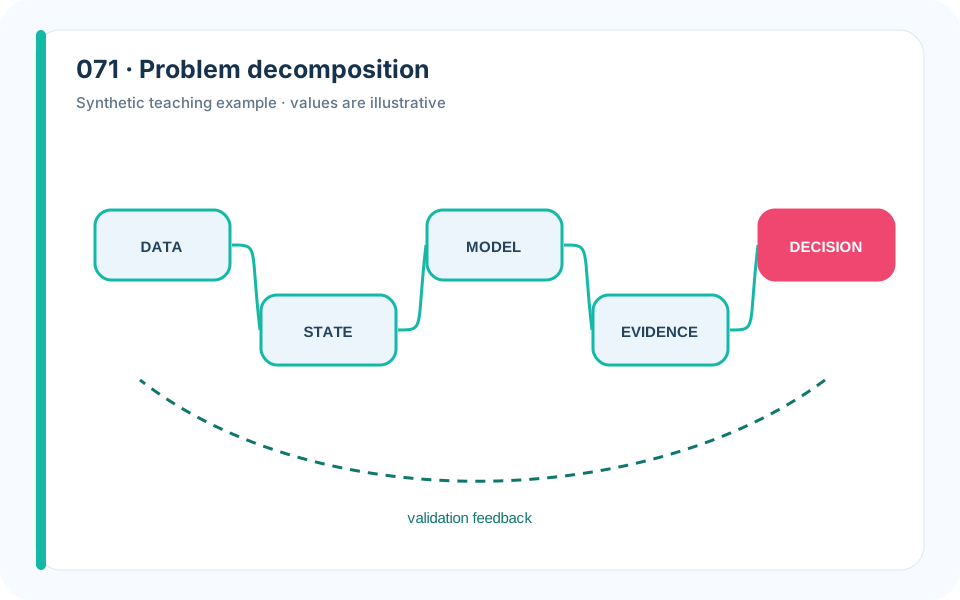
Why it works. Parallel branches show that no single model owns the final answer.
What to avoid. A list of methods does not reveal dependency or integration.
How to build it. Group modules by question, label inputs and outputs, and converge only where information truly combines.
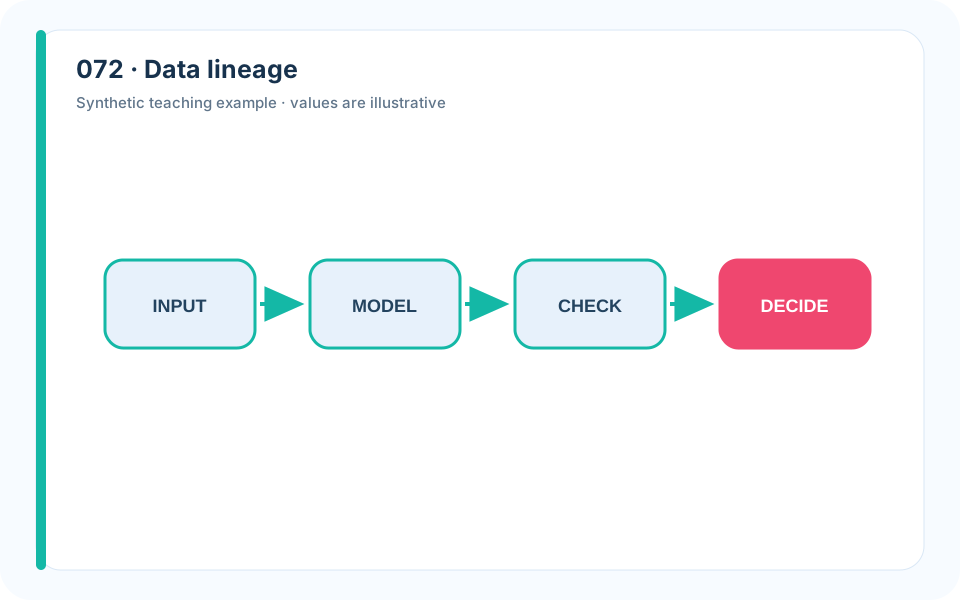
Why it works. The diagram makes cleaning and aggregation auditable.
What to avoid. A generic “preprocessing” box hides consequential choices.
How to build it. Name filters, joins, derived fields, and row counts at each stage.
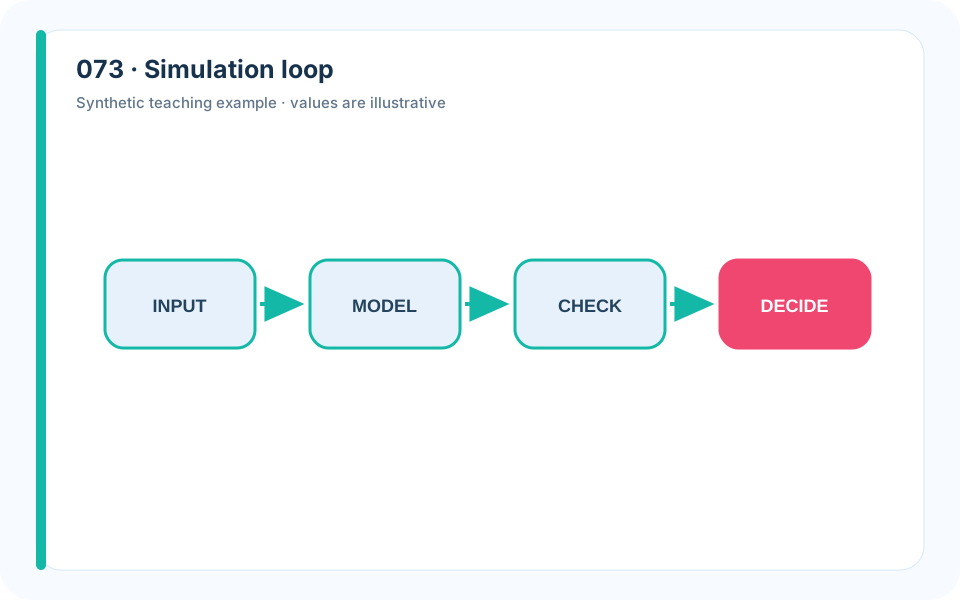
Why it works. The feedback arrow encodes the dynamic mechanism.
What to avoid. A one-way flowchart silently assumes no behavioral response.
How to build it. Separate state update, observation, decision, and feedback timing.
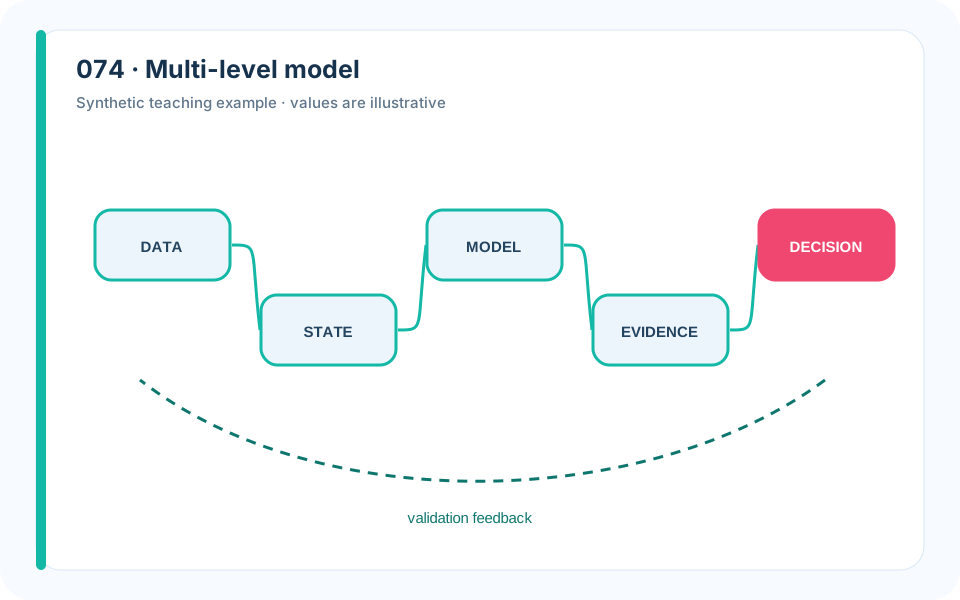
Why it works. Nested levels prevent variables from being mixed across scales.
What to avoid. Arrows between every box create visual noise and ambiguous causality.
How to build it. Use containers for scale, direct arrows, and a legend for observed versus latent quantities.
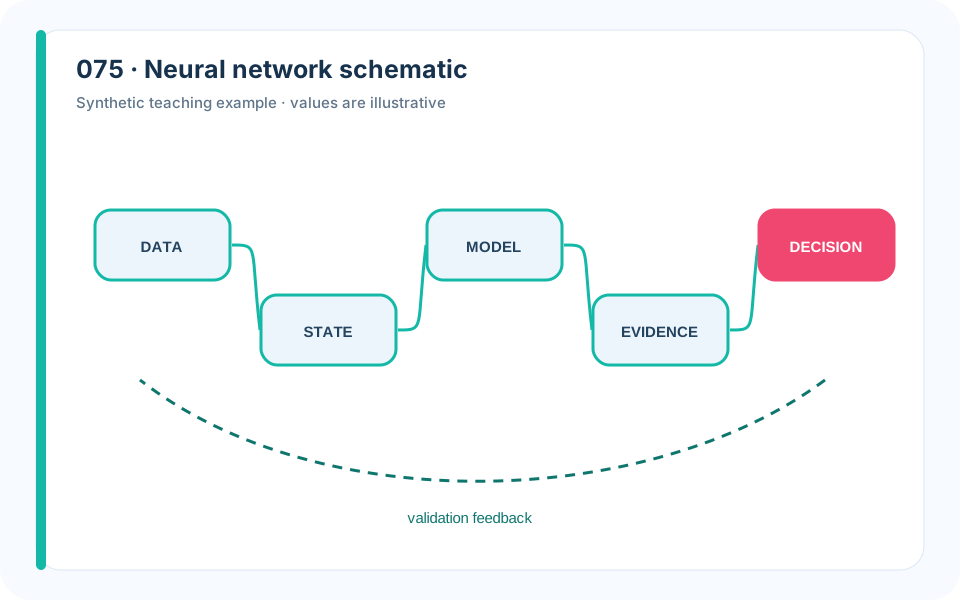
Why it works. The architecture mirrors the data-generating structure.
What to avoid. Decorative neuron clouds do not show tensor shape or fusion.
How to build it. Label tensor dimensions, repeated blocks, activation outputs, and the decision head.
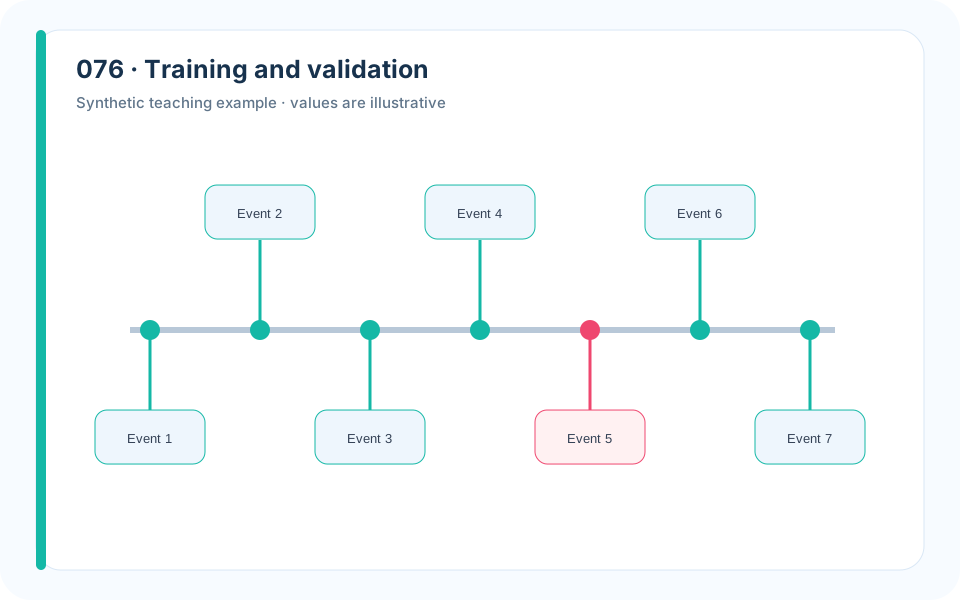
Why it works. A timeline clarifies leakage prevention.
What to avoid. A random split icon can be misleading for time-dependent data.
How to build it. Show exact temporal boundaries and where tuning, calibration, and final evaluation occur.
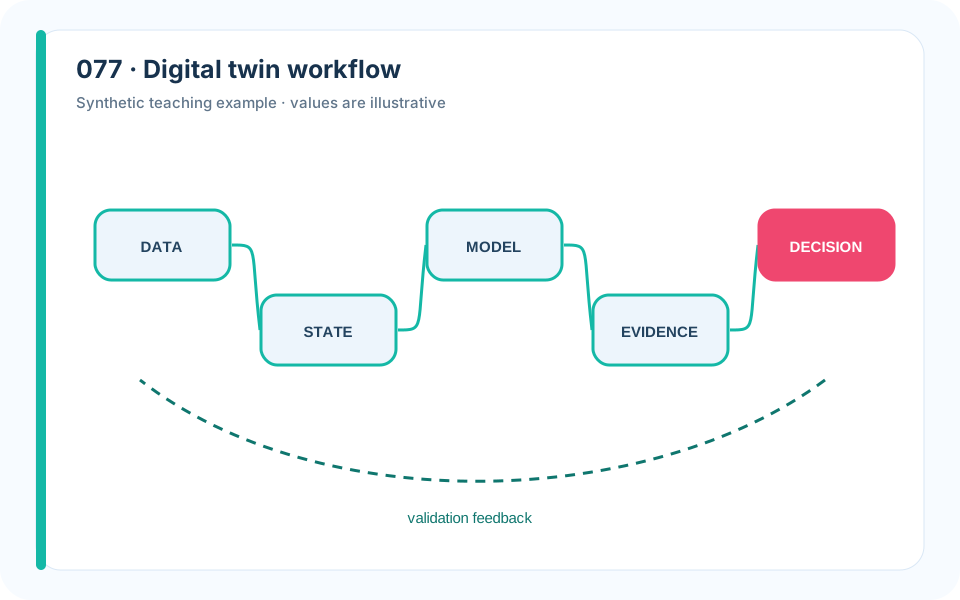
Why it works. Physical and computational lanes show synchronization.
What to avoid. A single “digital twin” box explains nothing.
How to build it. Name sensors, state estimator, simulator, controller, and update frequency.
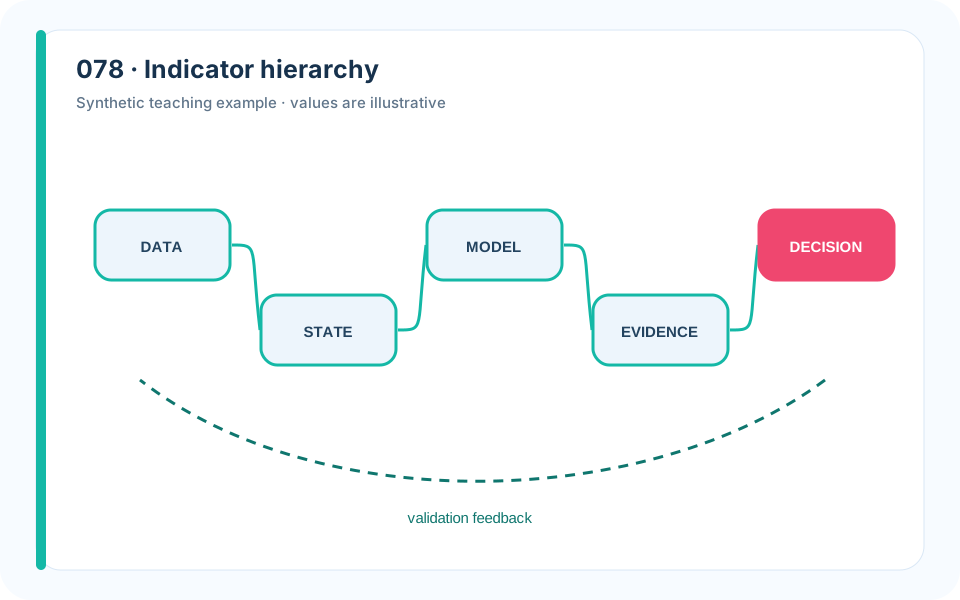
Why it works. The tree exposes aggregation and weight placement.
What to avoid. A final radar chart hides how its scores were built.
How to build it. Show normalization and weight levels; flag indicators shared across dimensions.
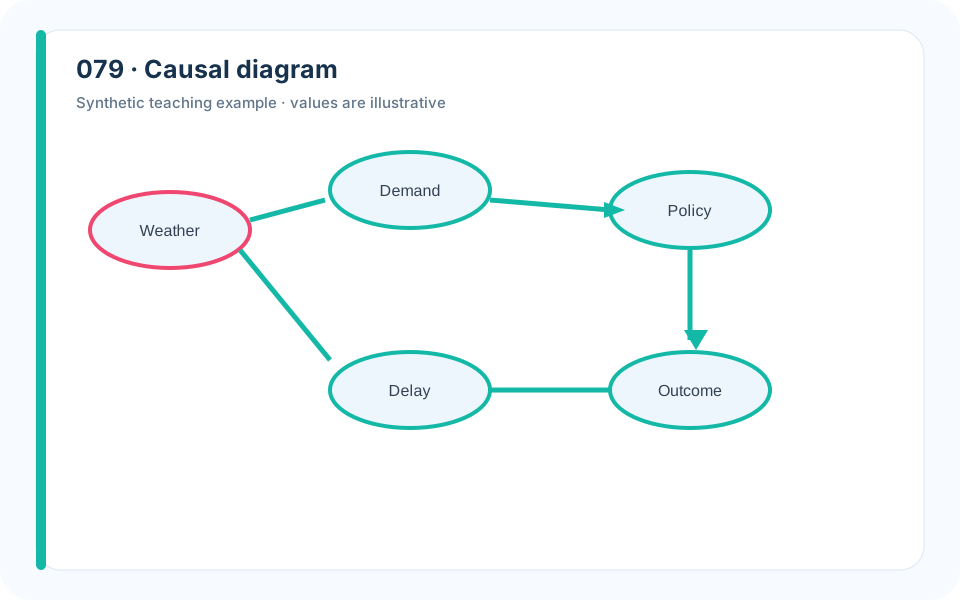
Why it works. Directed edges make the adjustment question explicit.
What to avoid. A correlation network cannot distinguish confounders from mediators.
How to build it. Define nodes temporally, justify arrows, and derive the adjustment set from the graph.
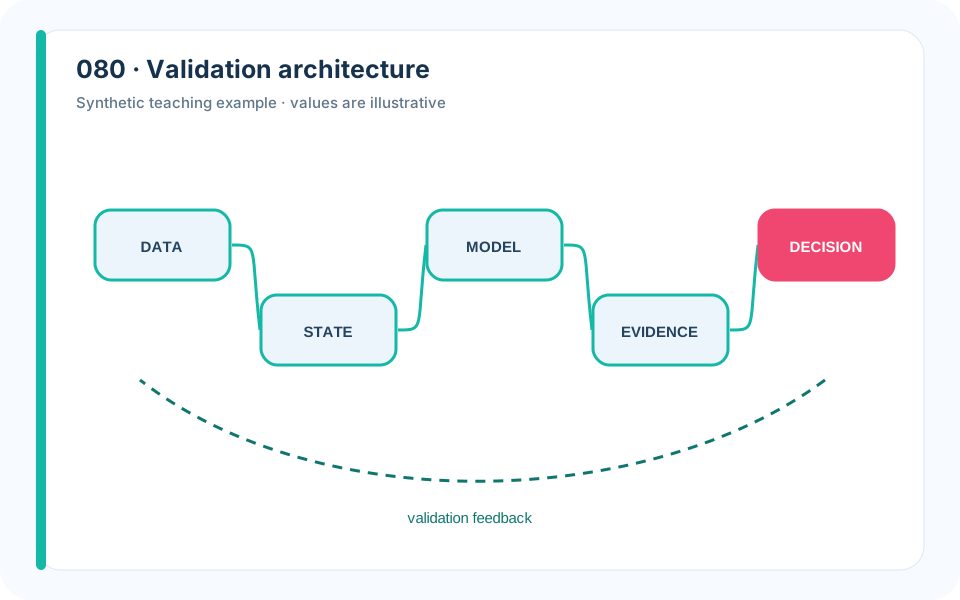
Why it works. Paired modules and checks turn validation into system design.
What to avoid. A final “validate model” box postpones every hard question.
How to build it. Attach a metric, threshold, and corrective action to each module.
9. Scientific and Engineering Figures
Some models need domain-specific pictures: fields, trajectories, geometry, material layers, biochemical pathways, or tensors. The same rule applies—simplify until the mechanism is visible, but no further.
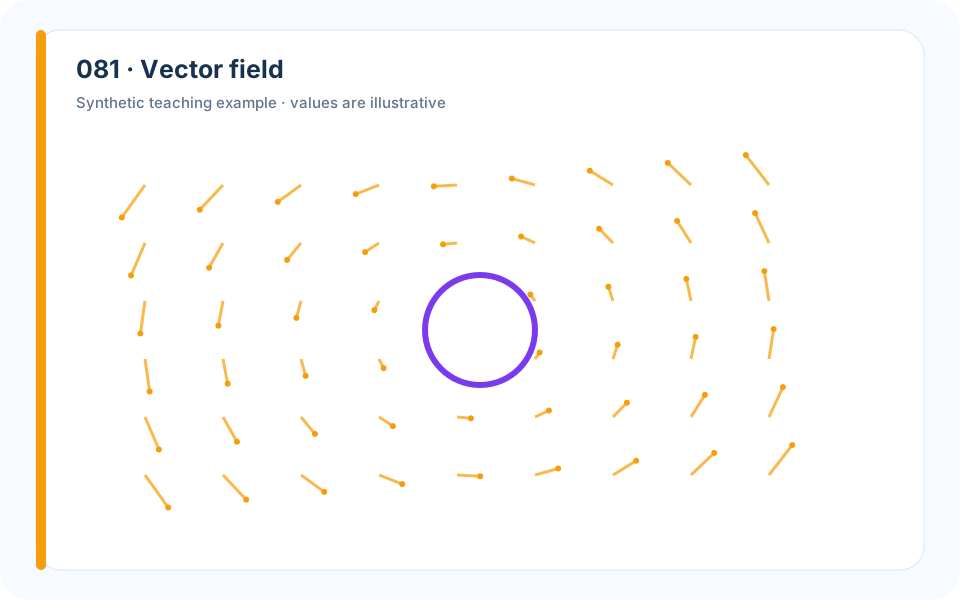
Why it works. Direction and magnitude are encoded without a false three-dimensional surface.
What to avoid. Too many arrows overlap and hide the field.
How to build it. Subsample uniformly, scale arrows consistently, and pair with streamlines or magnitude contours.
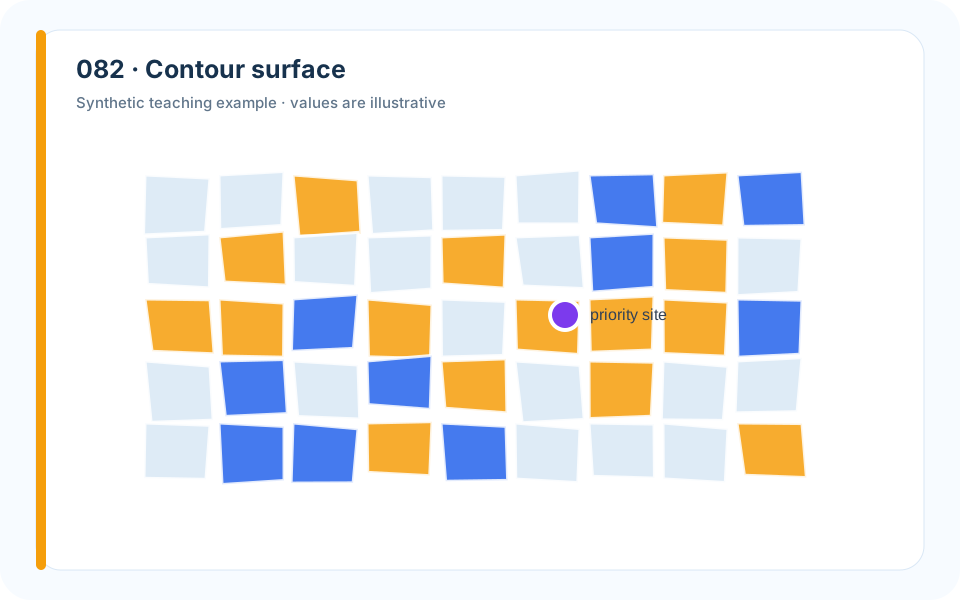
Why it works. Contours make level sets and threshold geometry explicit.
What to avoid. A 3D surface can hide the far side and distort slopes through perspective.
How to build it. Use labeled contours, an ordered palette, and emphasize the decision threshold.
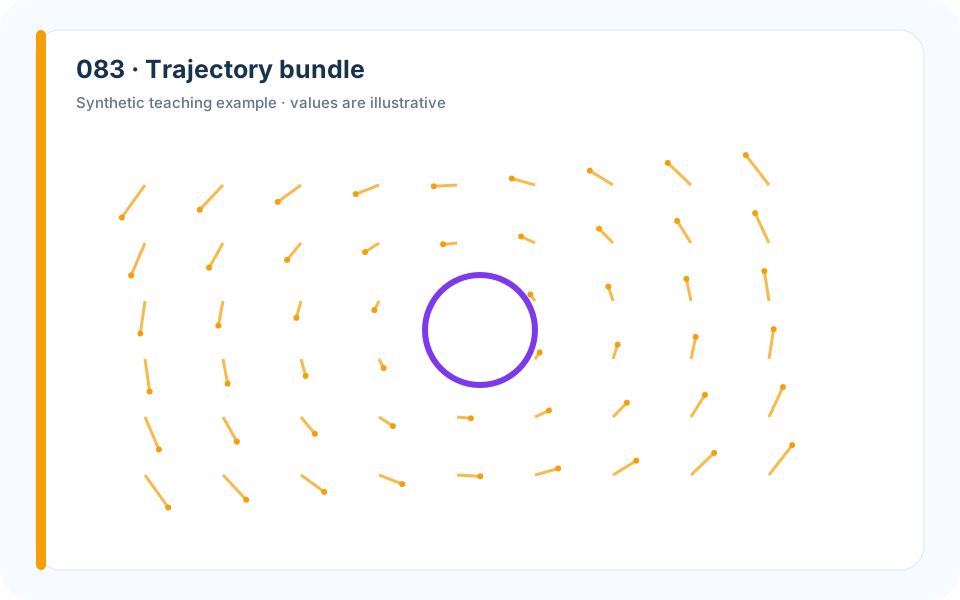
Why it works. Transparency shows common behavior and exceptional failure.
What to avoid. A single mean trajectory can pass through a region no run actually visits.
How to build it. Plot representative paths, a central band, and the boundary that defines failure.
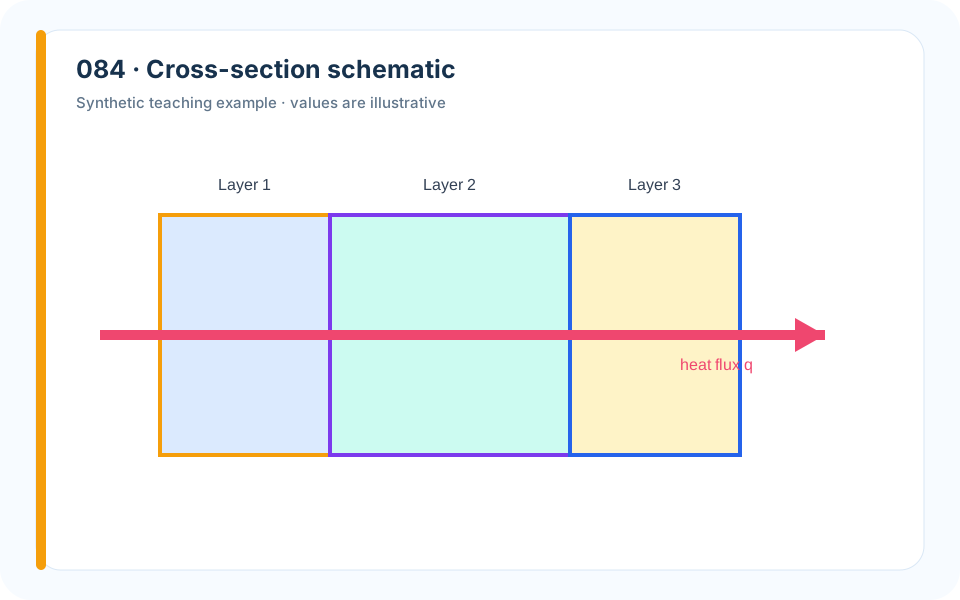
Why it works. Thickness, material, and flux direction correspond directly to the governing equation.
What to avoid. A photorealistic wall adds texture without mathematical information.
How to build it. Draw only interfaces, dimensions, boundary conditions, and fluxes used by the model.
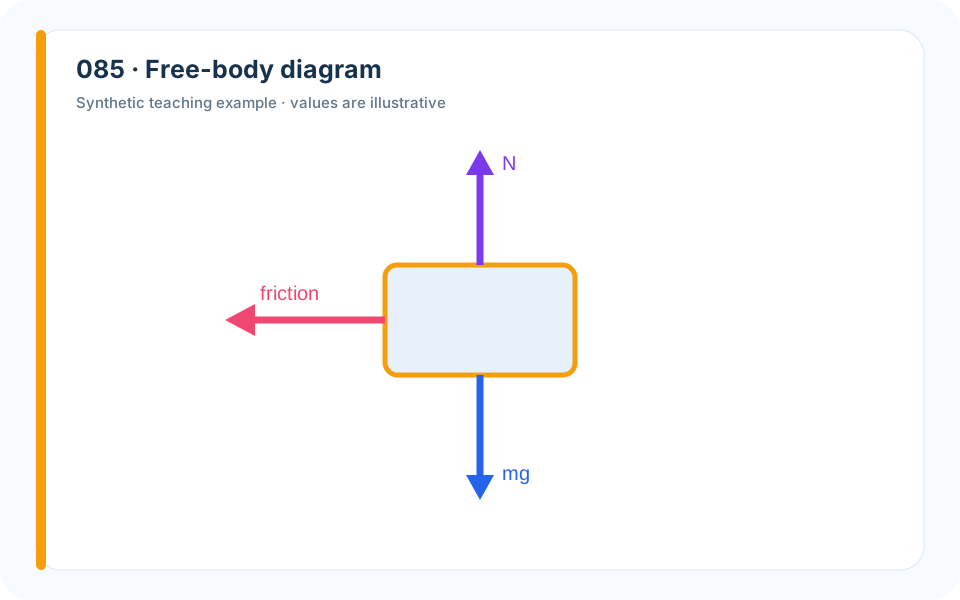
Why it works. Forces are attached to one isolated body in a declared coordinate system.
What to avoid. Mixing forces on different bodies causes sign and balance errors.
How to build it. Choose the body, draw axes, add only external forces, and label angles and magnitudes.
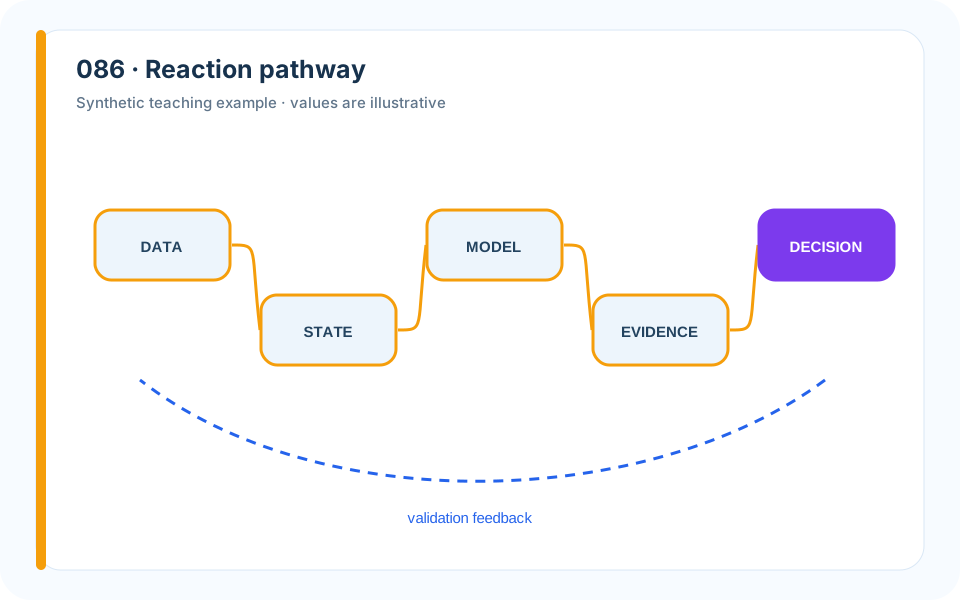
Why it works. Color and arrow style distinguish activation, inhibition, and transport.
What to avoid. A dense biochemical poster overwhelms the modeled mechanism.
How to build it. Include only species in the equations and provide a legend for interaction types.
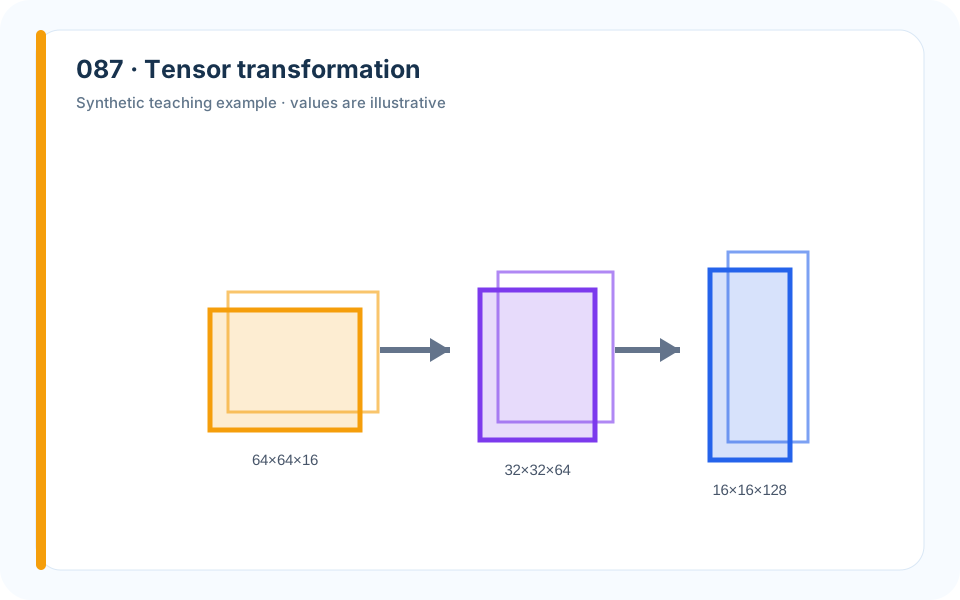
Why it works. Block dimensions make input and output shapes inspectable.
What to avoid. Pretty cubes without dimensions conceal impossible operations.
How to build it. Label each axis, operation, stride, and repeated block.
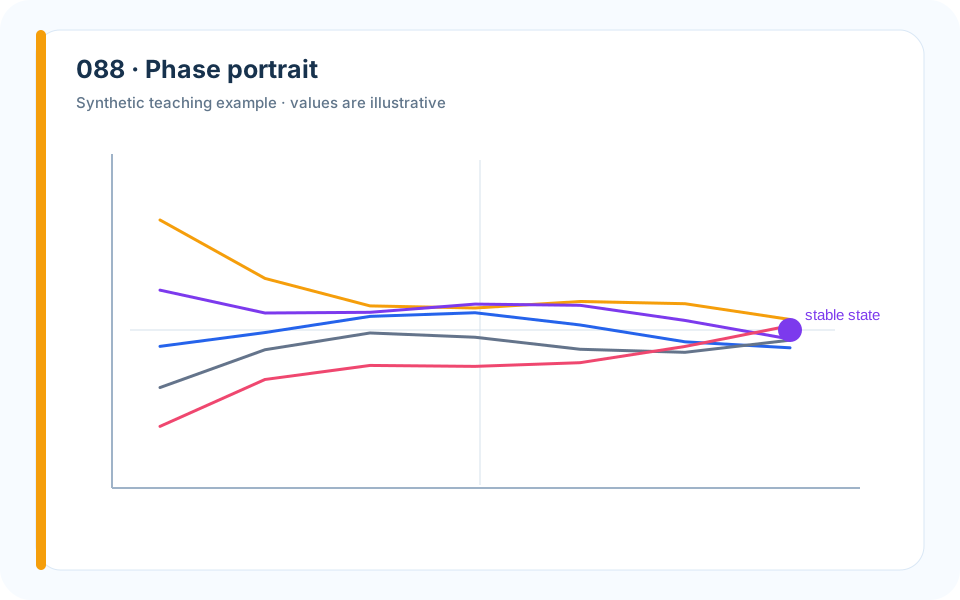
Why it works. Trajectories and direction field reveal long-run behavior beyond a time trace.
What to avoid. A single solution curve cannot establish global stability.
How to build it. Mark equilibria, nullclines, direction, and representative initial conditions.
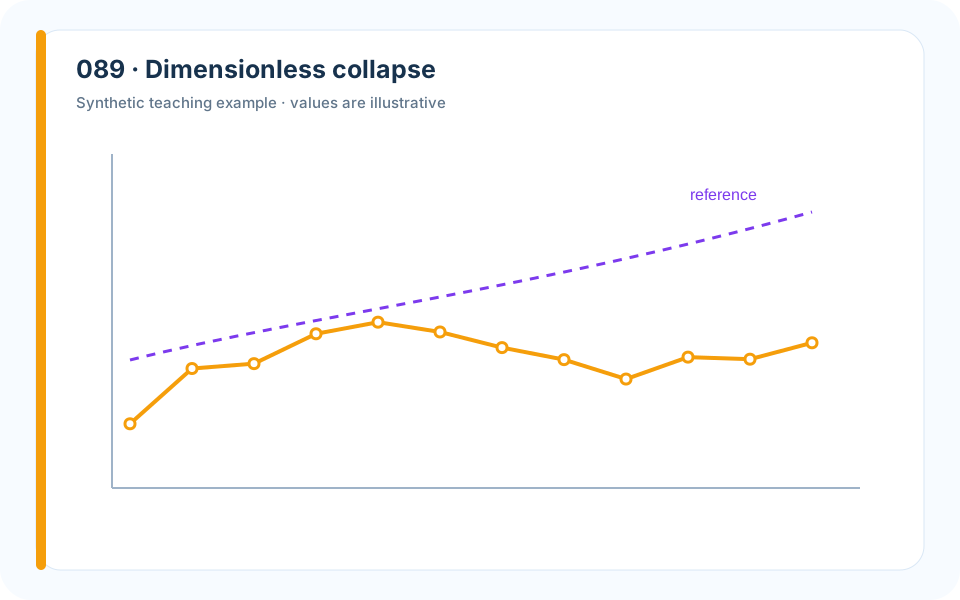
Why it works. Rescaling converts separate clouds into evidence for a shared mechanism.
What to avoid. Choosing dimensionless groups after seeing the desired collapse risks overfitting.
How to build it. Derive groups from units or theory, then show both raw and collapsed views.
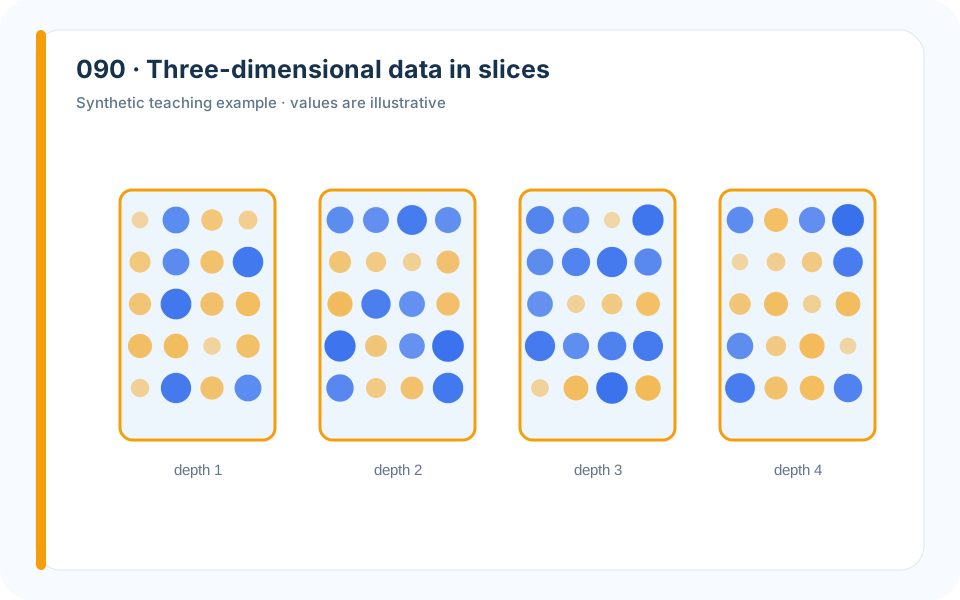
Why it works. Small-multiple slices preserve quantitative reading better than an opaque 3D block.
What to avoid. A rotatable rendering is useless on a printed page.
How to build it. Choose informative planes, keep a shared color scale, and include orientation.
10. From Good Figure to Award-Level Page
A competition paper is judged as a sequence of pages. The final ten examples show how charts, diagrams, captions, typography, and layout cooperate so that evidence can be found and trusted under time pressure.
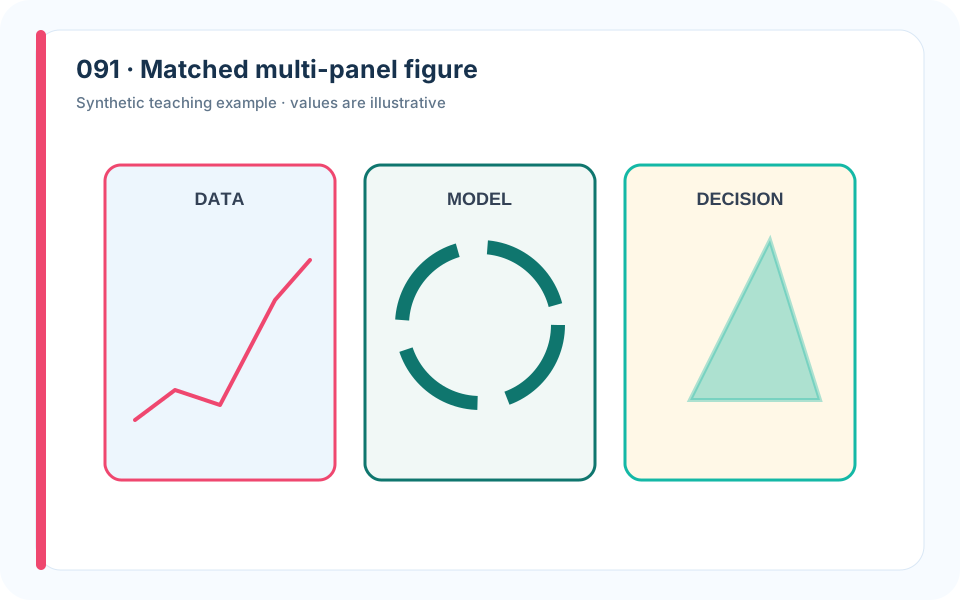
Why it works. Panel labels and aligned geometry lead the reader through the evidence chain.
What to avoid. Combining unrelated charts saves space but destroys narrative.
How to build it. Use panels only when they answer one shared question; write one caption that explains the sequence.
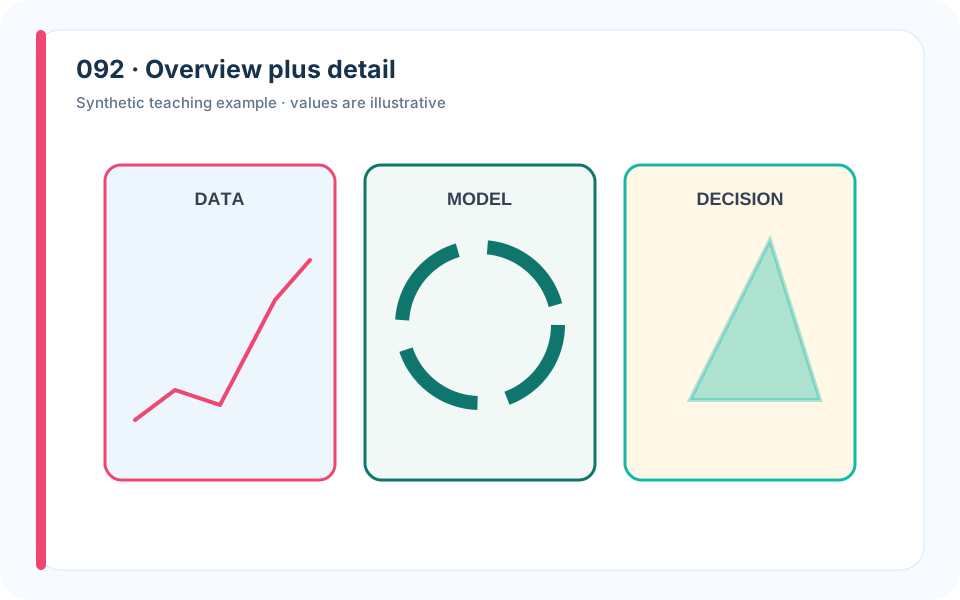
Why it works. An overview provides context and an inset preserves the consequential detail.
What to avoid. Cropping directly to the anomaly exaggerates its prevalence.
How to build it. Mark the inset extent and keep scales interpretable.
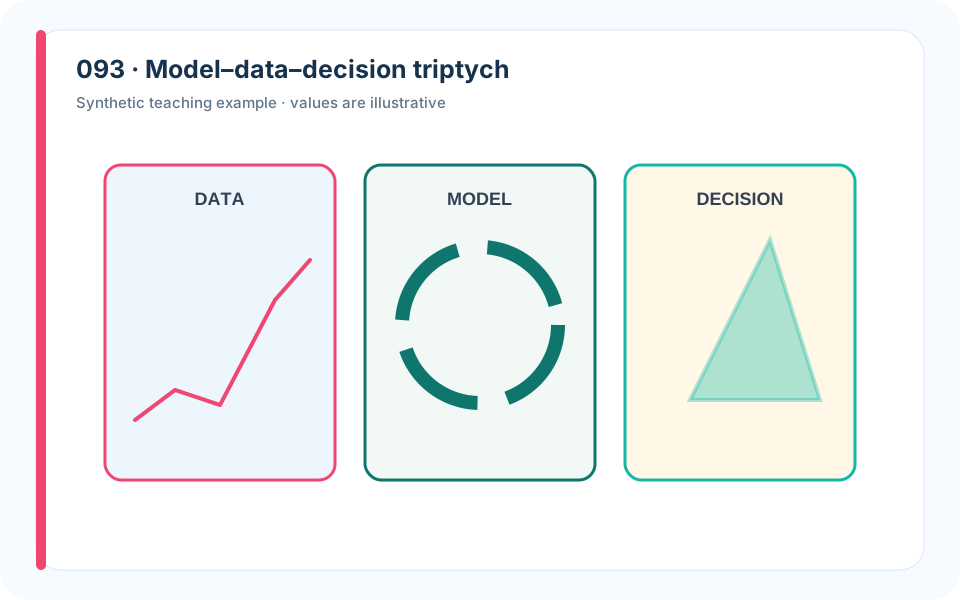
Why it works. Three panels connect theory, empirical fit, and use.
What to avoid. A model diagram without empirical or decision panels remains ornamental.
How to build it. Maintain common color semantics and reference every panel in the caption.
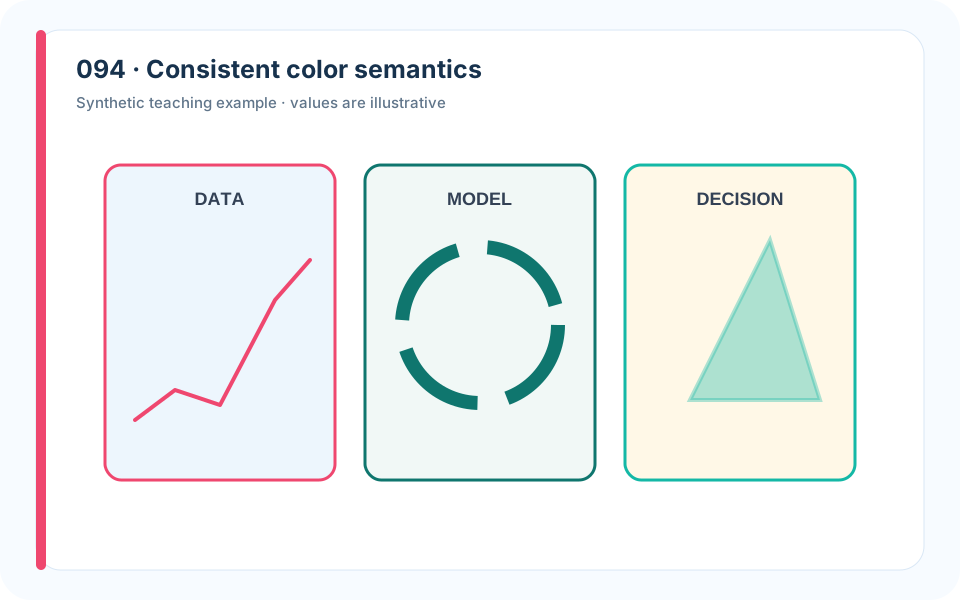
Why it works. Stable color reduces cognitive switching across the paper.
What to avoid. Reusing colors for different meanings creates silent contradictions.
How to build it. Create a project palette before plotting and reserve emphasis colors for exceptions.
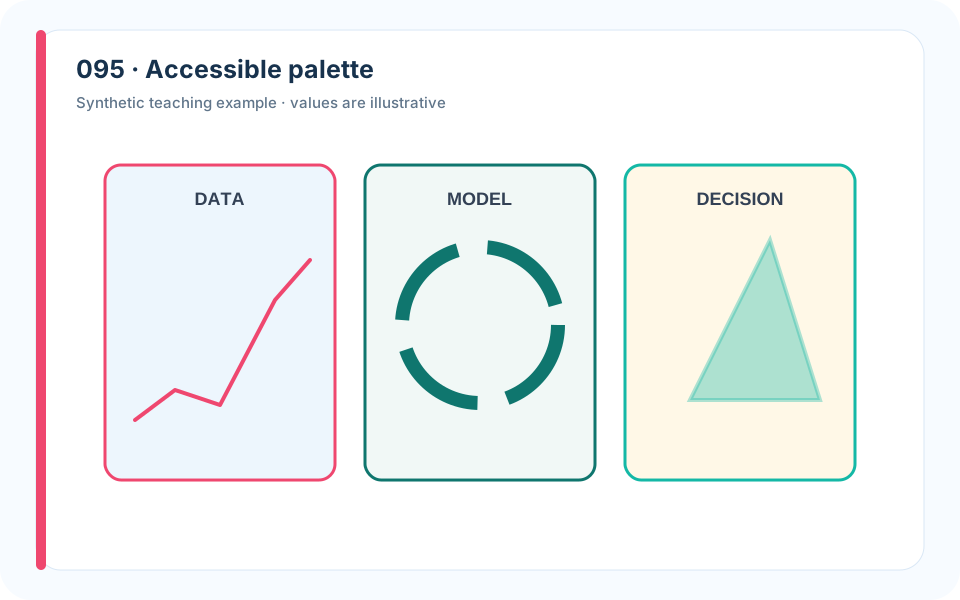
Why it works. Hue, lightness, line style, and direct labels provide redundant cues.
What to avoid. Red–green contrasts exclude readers and often fail in grayscale printing.
How to build it. Test grayscale and color-vision simulation; never encode a critical distinction by hue alone.
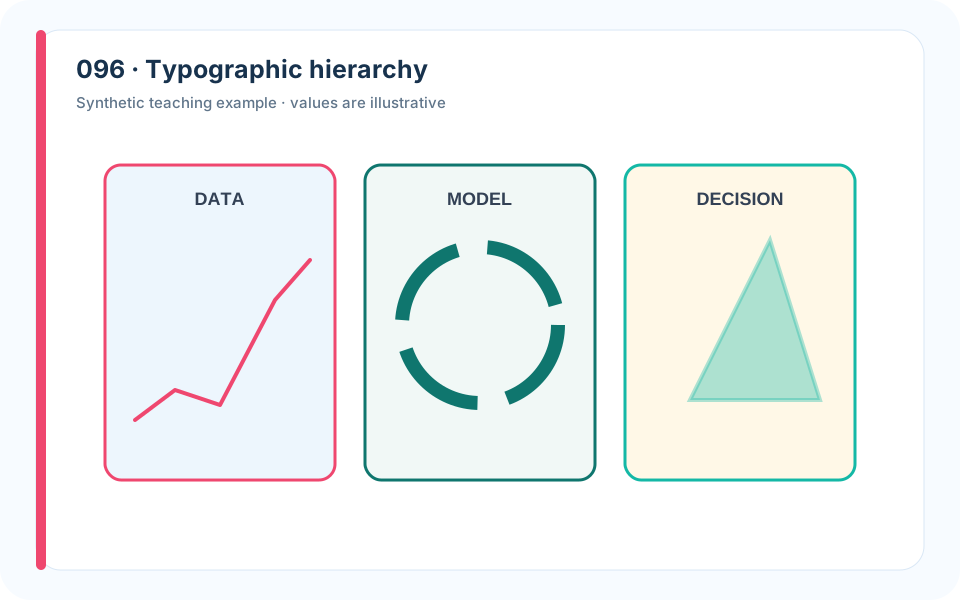
Why it works. A controlled type scale separates evidence from metadata.
What to avoid. Tiny labels and oversized titles waste the limited page area.
How to build it. Match figure text to final print size and use at most three text levels.
Why it works. A sparse annotation directs attention without replacing the data.
What to avoid. Ten callouts turn the chart into a poster and signal that the encoding failed.
How to build it. Annotate only consequential events; move secondary details to the caption.
Why it works. Each medium does the task it performs best.
What to avoid. Duplicating every value in both wastes space and attention.
How to build it. Chart the comparison, table the audited decisions, and cross-reference them.
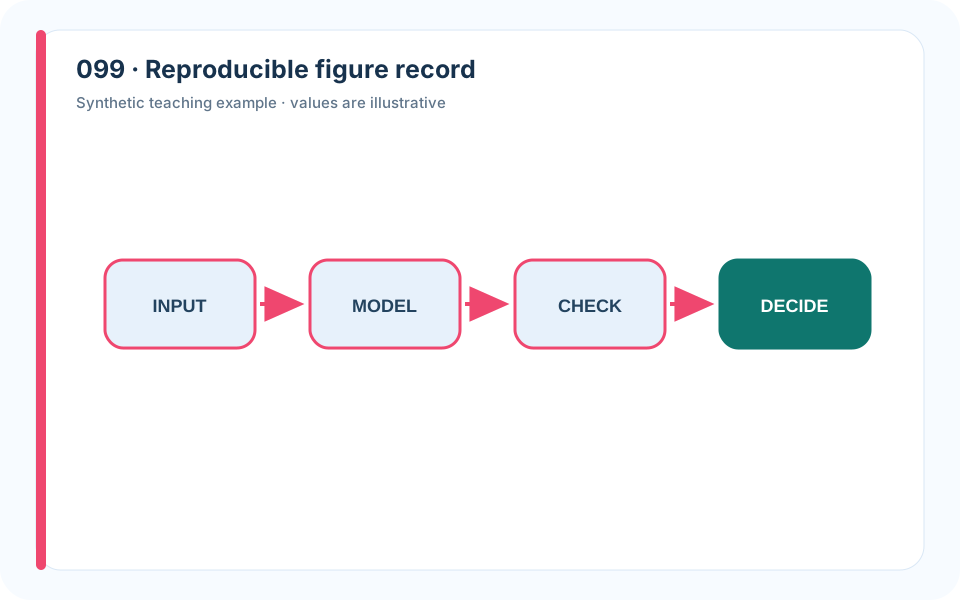
Why it works. Visible provenance turns visual quality into an auditable result.
What to avoid. Manual edits break the link between analysis and paper.
How to build it. Save data snapshot, script, parameters, environment, and output under stable names.
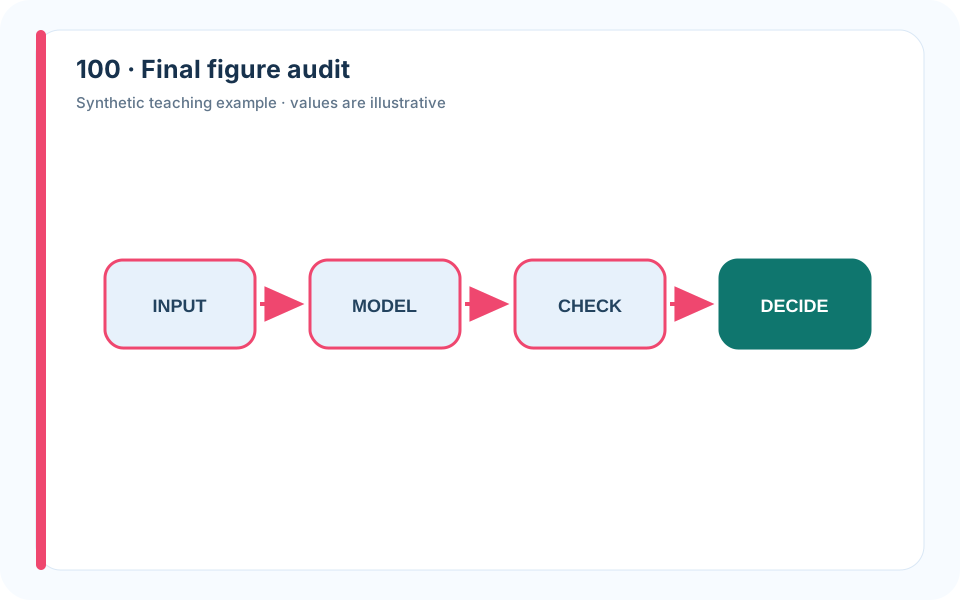
Why it works. The checklist closes the gap between attractive and trustworthy.
What to avoid. Reviewing only aesthetics misses incorrect units, legends, and scenarios.
How to build it. Audit claim, data, encoding, scale, uncertainty, caption, source, accessibility, and reproduction.
11. Choosing and Reproducing the Toolchain
A complete competition workflow may use many drawing environments: Matlab and enhancement packages such as FigureBest; Python; LaTeX drawing systems; presentation software; general diagram applications such as Visio, ProcessOn, draw.io, and Edraw; statistical products such as Prism; domain-oriented systems such as BioRender; icon libraries; and specialized tools for machine-learning, biochemical, geographic, and engineering artwork. They are not competitors in one league. Each tool is good at a different part of the evidence pipeline.
Python and Matlab for Data-Bound Figures
Use code when the geometry of the figure is determined by data or model output. Time series, distributions, sensitivity plots, maps, residual diagnostics, contour fields, simulation ensembles, and optimization traces should normally be generated from a script. A reproducible figure has three advantages. First, the paper updates when the data or model changes. Second, the plotted values can be checked against the numerical results. Third, another teammate can inspect transformations instead of guessing which manual edits occurred.
Python is especially practical when the analysis already uses NumPy, pandas, SciPy, scikit-learn, Matplotlib, Seaborn, Plotly, GeoPandas, or NetworkX. Matlab is excellent for numerical experiments, signal processing, control, differential equations, and matrix-oriented workflows. Neither language makes a good plot automatically. You still need a project palette, a final print size, meaningful axis labels, and a caption contract. Export vector PDF or SVG for line art and high-resolution PNG only when the figure contains raster information. Never improve a plot by taking a screenshot of it.
Create one plotting function per figure family. Give it the processed data and an output path; do not let it silently reload a different spreadsheet. Fix fonts, colors, line widths, and export settings in one style file. The paper should be able to rebuild every numbered figure with a single command. A reliable folder record is often enough:
1 | data/raw/ immutable source files |
For each final asset, record the input data version, script name, parameter file, export dimensions, and the section that uses it. This record seems fussy until a teammate changes the model six hours before submission and you need to know which figures are stale.
LaTeX for Mathematical and Structural Graphics
TikZ and PGFPlots are strong choices when a visual is tightly integrated with notation: geometric constructions, coordinate frames, small networks, model schematics, tensor shapes, or plots whose fonts must match the paper. Their main strengths are precision, vector output, and consistent typesetting. Their main cost is iteration time. Do not spend three hours writing TikZ for a chart that a tested Python function can generate in five minutes.
Use LaTeX-native graphics when the mathematical labels are the point of the figure. Keep the source modular and define reusable styles for nodes, arrows, observed variables, latent variables, and highlighted paths. Compile at the final column width: a diagram that looks spacious on a full monitor can become unreadable when reduced to half a page.
Diagram Software for Frameworks and Workflows
Use draw.io, ProcessOn, Visio, Edraw, or a presentation editor when the visual is primarily conceptual rather than data-bound. These tools are well suited to model architecture, a decision workflow, a stakeholder system, a causal hypothesis, a data lineage diagram, or a pipeline that integrates several modules. Start from alignment and containment, not from icons. Boxes that share a level should share a size. Arrows should normally move in one reading direction. A container should mean a real boundary—system, scale, organization, or stage—not merely a decorative background.
Every arrow needs a verb or an exchanged object. “Demand forecast → optimizer” is incomplete unless the optimizer receives a quantity with units and time resolution, such as “hourly arrival distribution, customers/hour.” Feedback should return to the exact module it revises. Avoid shadows, gradients, and three-dimensional blocks until the graph remains understandable without them. Export as SVG or PDF so that text and edges remain sharp.
Presentation software is not a lesser tool. It is often the fastest way to construct a clear geometry schematic, annotated map, or explanatory multi-panel composition. Use guides, distribute and align commands, consistent arrowheads, and a project color palette. Replace clip-art decoration with meaningful shapes. Group the finished object, export it at final size, and check the output outside the editor.
Domain Tools and Specialized Figures
Prism can accelerate statistical plots when the analysis and audience are biomedical. BioRender can help create biological mechanisms, cellular pathways, and experimental workflows, subject to its licensing rules. GIS software is appropriate when projection, spatial joins, and geographic accuracy matter. CAD or scientific visualization software may be needed for complex geometry and fields. The principle is unchanged: a specialized tool is justified when it preserves domain meaning that a generic drawing tool would lose.
Machine-learning diagrams deserve special caution. A page of pastel cubes is not an architecture. Label input and output shapes, repeated blocks, fusion points, loss functions, and the variables that connect the network to the modeling question. Similarly, a biochemical pathway should include only the species and interactions used by the model. A dense literature diagram may be scientifically rich and still be wrong for a competition paper if the reader cannot tell which mechanism you actually implemented.
Color, Typography, and Accessibility
Choose colors by meaning before choosing them by taste. Assign stable semantics: baseline, proposal, uncertainty, violation, and selected decision. Keep those meanings throughout the paper. Sequential data need a palette whose lightness changes monotonically. Values above and below a meaningful center need a diverging palette with a neutral midpoint. Categories need distinguishable hues, but most figures rarely need more than five simultaneous category colors.
Avoid the rainbow palette for ordered values. It creates false visual boundaries and does not order naturally by lightness. Avoid red–green as the only distinction. Test the paper in grayscale, because judges may print it and because accessible design benefits everyone. Combine color with line style, point shape, direct label, or panel position when the distinction is essential.
Typography should disappear into the argument. Use the same font family as the paper when possible, no more than three text levels, sentence case, and a size that survives final placement. A huge chart title and microscopic tick labels reverse the information hierarchy. Most competition figures do not need a title inside the graphic because the numbered caption supplies context; use that space for the evidence.
The Figure Review
Review figures in their final PDF, not only in the plotting window. For every figure, ask:
- What exact sentence does it support?
- Are the data, scenario, sample, and units named?
- Does the encoding match the question—position for precise comparison, area only when area is intended, color only when color can be decoded?
- Is the scale honest and shared across panels that invite comparison?
- Are uncertainty and missingness visible where they affect the claim?
- Does the caption state the result rather than merely name the method?
- Can the figure be regenerated from a known script or source file?
- Is every third-party map, icon, photograph, or adapted figure attributed and licensed?
- Does it remain readable at print size, in grayscale, and for color-vision differences?
- If the figure vanished, would the surrounding argument become weaker? If not, remove it.
Open one of your own reports and select its most important result figure. Write the missing visual-evidence contract, rebuild the figure from the original data, and ask a teammate to state the conclusion without reading the surrounding paragraph. If their sentence differs from yours, the figure is not finished.
The goal is not to produce 100 figures in a competition paper. It is to build enough visual vocabulary that, when the model asks a question, you can choose the one picture that answers it honestly. A strong report might contain only eight figures. Each should have a job. Each should be traceable. Each should make one piece of the modeling argument easier to inspect than prose alone.
One last hidden test: shrink your best figure until it is only six centimeters wide, print it in grayscale, and give it to someone for ten seconds. If they can still name the comparison and the conclusion, keep it. If they remember only the colors, the figure is asking for one more revision.
Official and Course Sources
- Title: 3 - Visual Evidence
- Author: Gavin0576
- Created at : 2026-09-14 20:00:15
- Updated at : 2026-10-23 07:06:57
- Link: https://jiangpf2022.github.io/blog//2026/09/14/Mathematical-Modeling-03-Visual-Evidence/
- License: This work is licensed under CC BY-NC-SA 4.0.